
Projects
Personal workspaces that keep one stream of work, its chats and its files, apart from everything else.
A project is a folder in your personal workspace with its own chats and its own small knowledge base. Use one per client, product or line of research, so contexts don't bleed into each other.
Projects are yours. They aren't shared with an organization or visible to teammates.
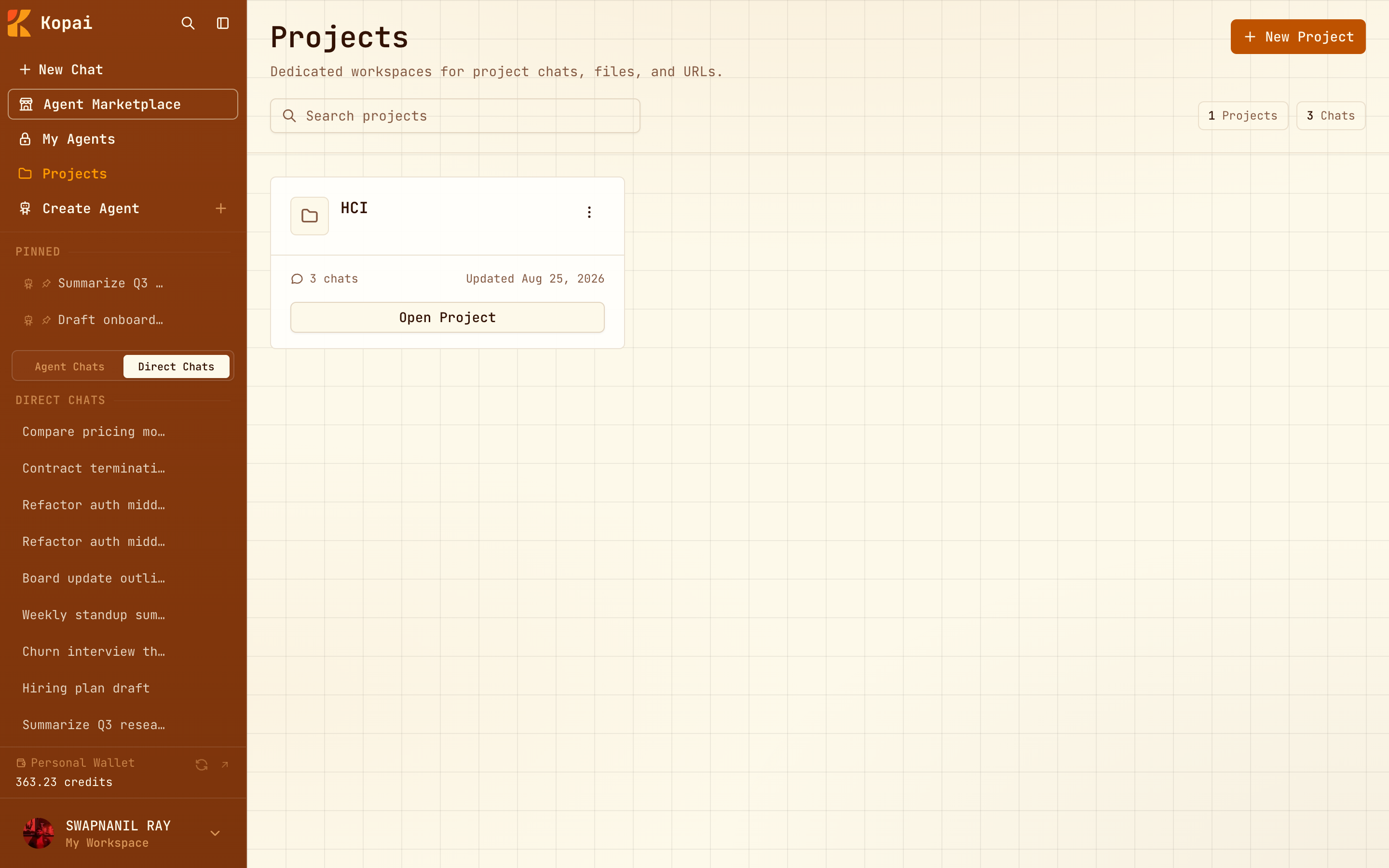
Creating one
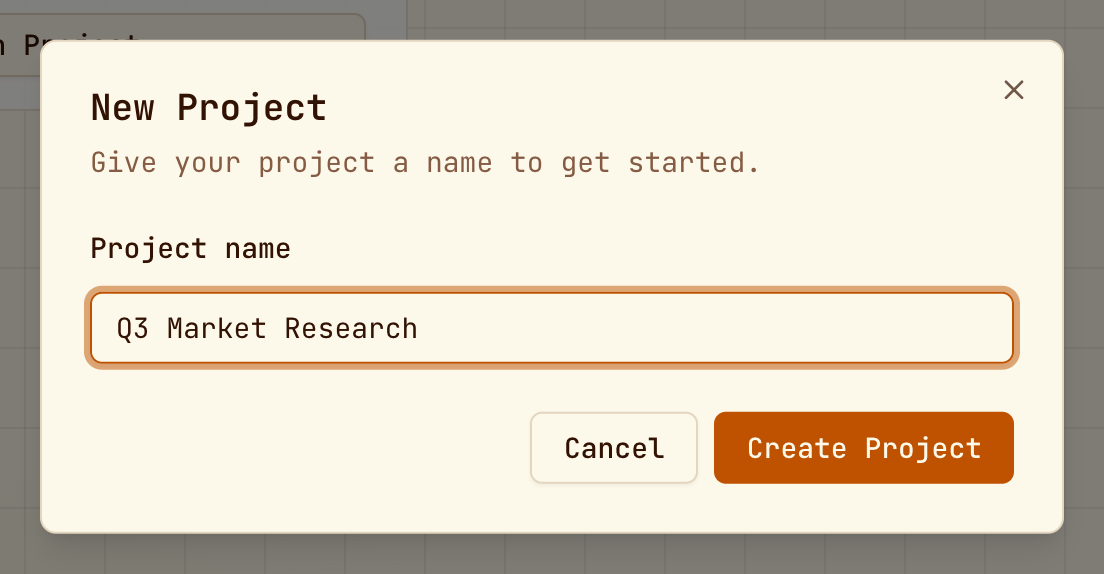
Click Projects in the sidebar, then New Project, and give it a name.
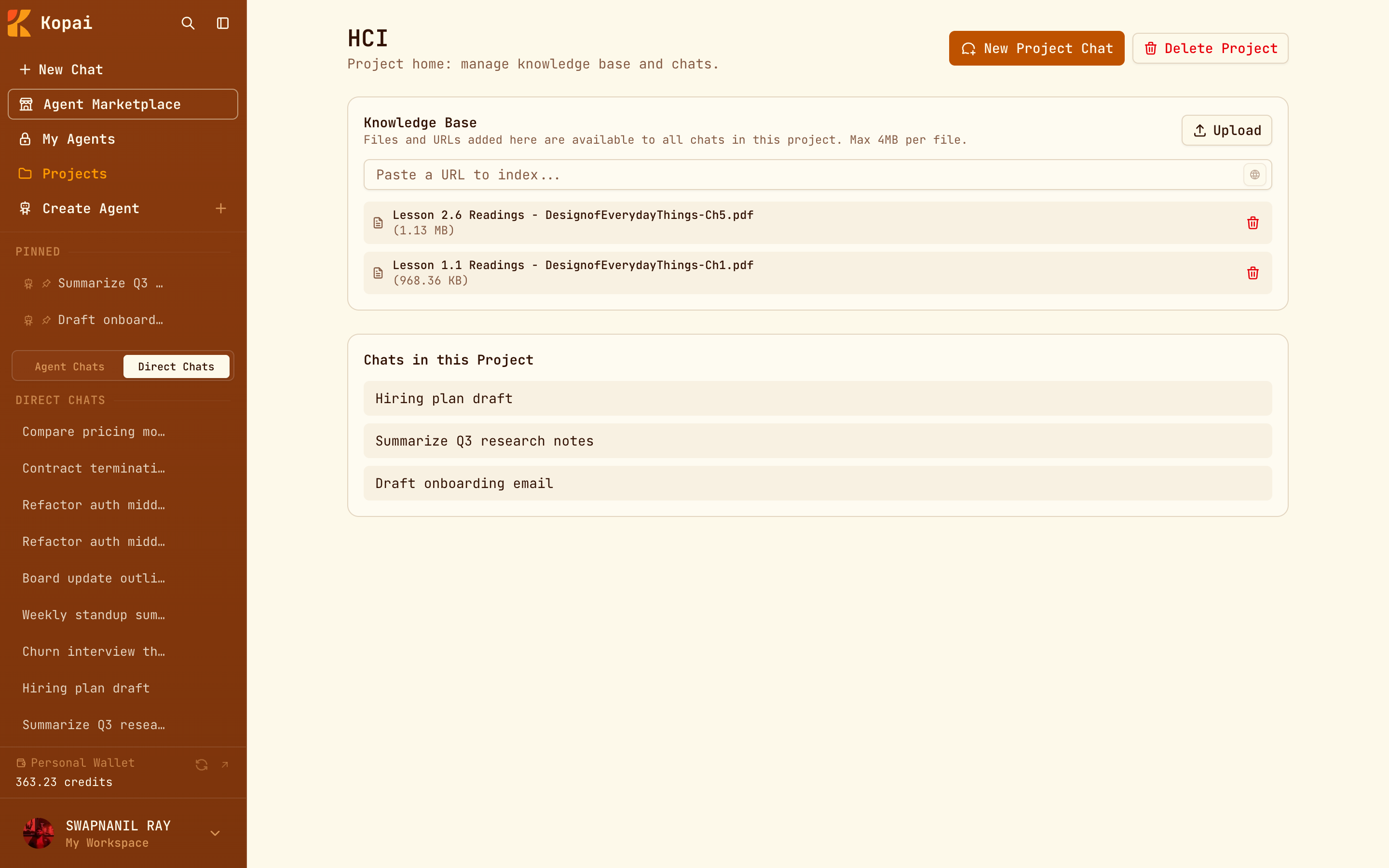
The project page
It has two sections:
- Knowledge Base: files and URLs available to every chat in the project.
- Chats in this Project: every conversation started inside it.
New Project Chat starts a conversation that can already see the project's files.
The project knowledge base
Upload files, or paste a URL and index it.
These limits are the same on every plan. Accepted formats are PDF, DOCX, XLSX, PPTX, CSV, JSON, TXT, MD, and images (JPG, PNG, WEBP, GIF).
The advice in Getting good answers applies here too.
Project or agent?
Both attach documents to conversations, and picking the wrong one is the most common source of confusion.
| Use a project when | Use an agent knowledge base when |
|---|---|
| The documents are for you | The documents are for whoever uses the agent |
| It's one engagement, deal or case | It's lasting reference material |
| Your questions change each time | The behavior should be the same every time |
| Nobody else needs it | Your team, or the public, needs it |
A project is a place to work. An agent is a thing you ship.
Managing projects
| Action | Effect |
|---|---|
| Rename | Changes the name only. |
| Open in new tab | Opens the project chat separately. |
| Delete Project | Removes the project, its chats and its documents, permanently. |