Sign up
Create your account, claim your welcome credits, and find your way around the app.
Signing up takes about a minute. You don't need a payment method, and there are credits in your wallet before you've done anything.

Sign in
Continue with email or with Google. Whichever you choose becomes how you sign in from then on.
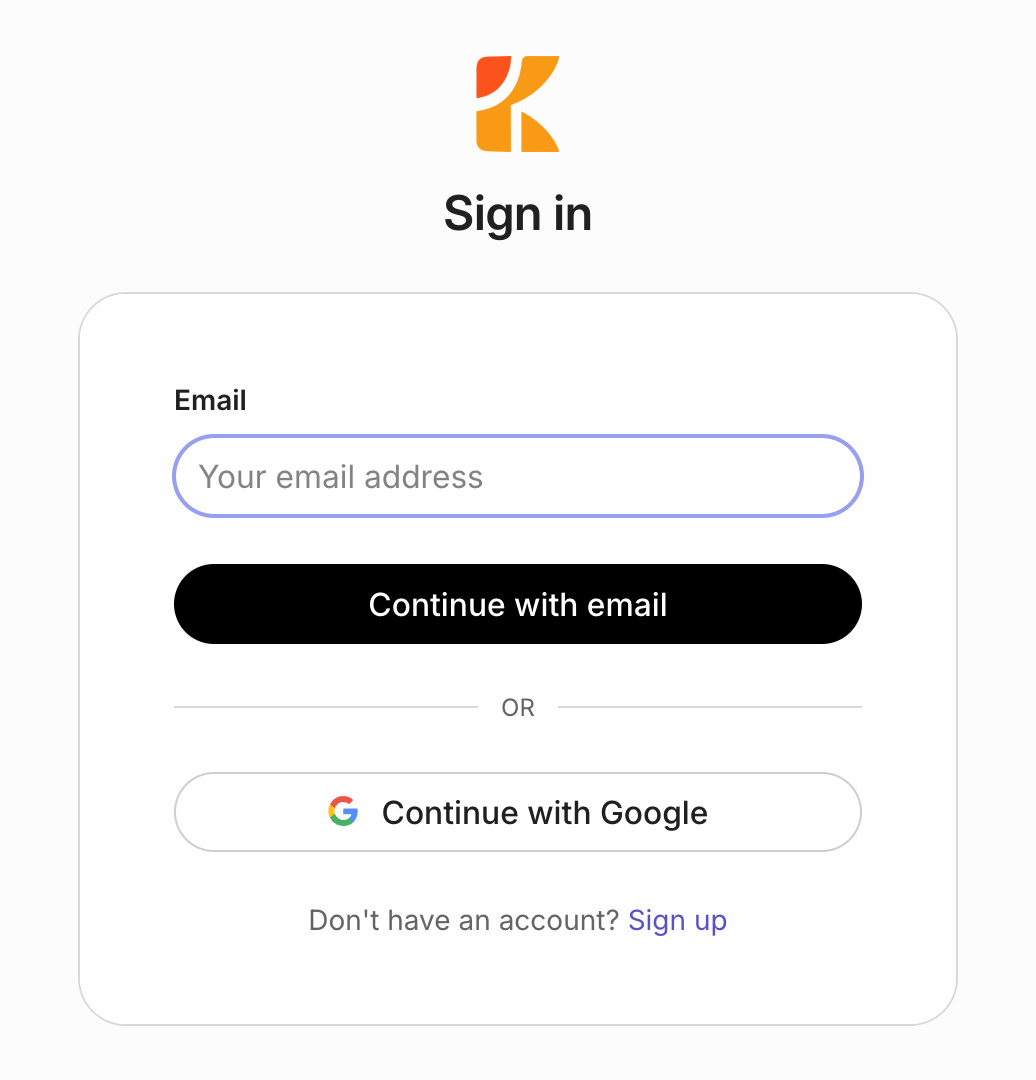
Answer one question
The first time in, Kopai asks for your date of birth. It keeps the experience age-appropriate, and nobody else sees it.
You're in
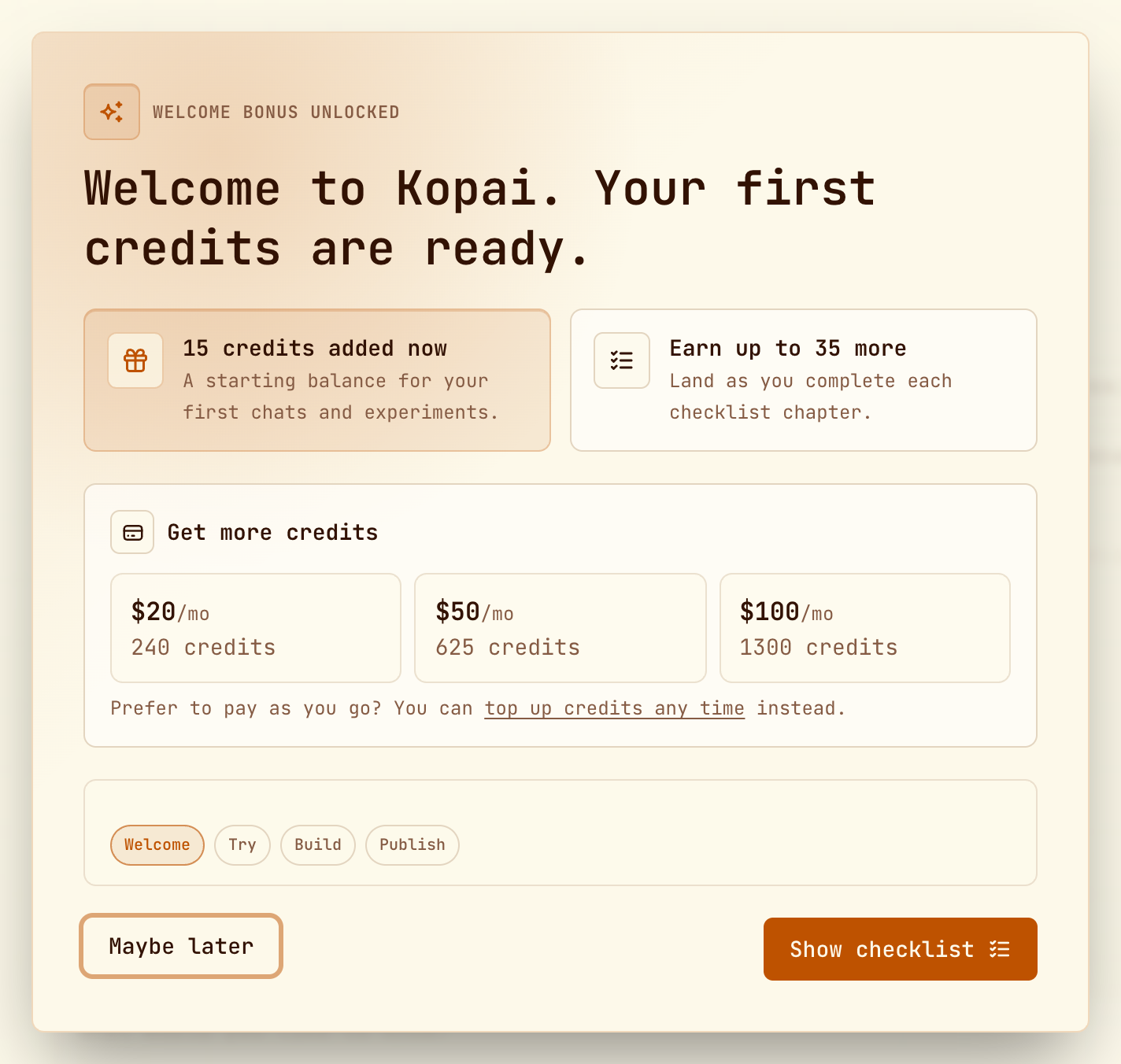
You land in your personal workspace with 15 credits already in your wallet. Working through the getting-started checklist earns up to 35 more.
Invited by a colleague?
Click the link in the invitation email instead. You join their organization as soon as you've signed in, so there's no need to make your own. Invitations expire after seven days.
Finding your way around
The sidebar is the whole map.
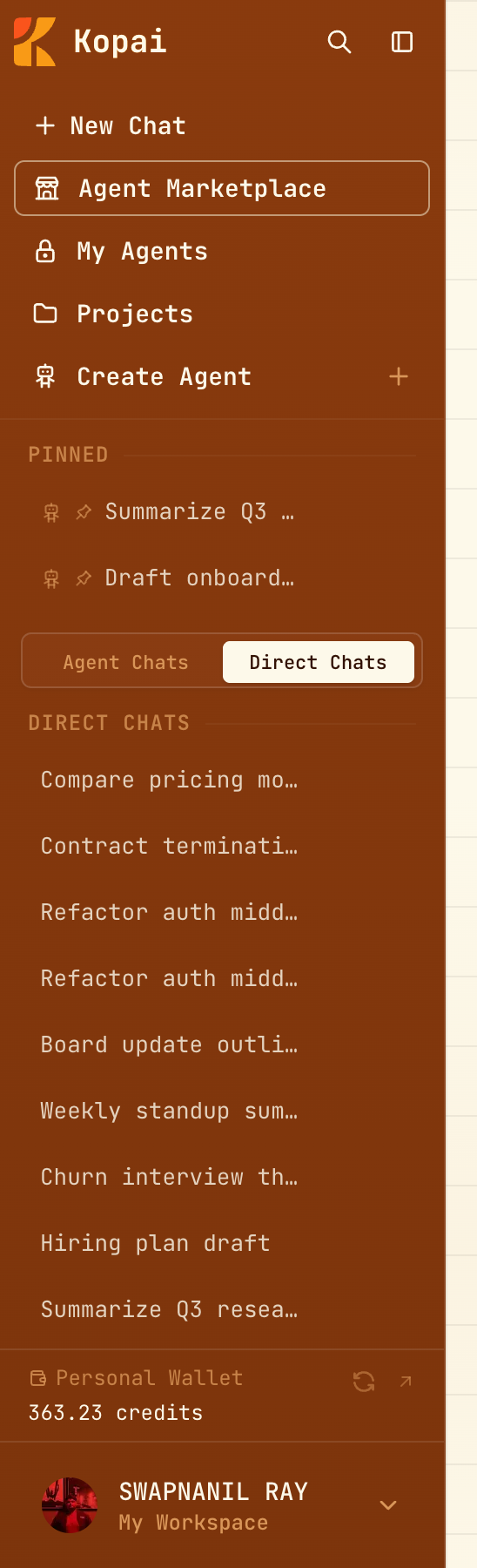
| New Chat | A fresh conversation with a model, no agent involved. |
| Agent Marketplace | Every public agent on Kopai. |
| My Agents | The agents you've built, across all your organizations. |
| Projects | Your personal workspaces, each with its own files and chats. |
| Pinned, Agent Chats, Direct Chats | Your history, split by whether an agent was involved. |
| Your name, at the bottom | Switch workspace, open settings, sign out. |
A few shortcuts are worth learning on day one:
Make it yours
Settings → Profile is worth two minutes now, because it shapes every answer you get afterwards. Tell Kopai what to call you, what you do, and which traits to lean on (concise, direct, patient), plus anything else it should keep in mind.