
Agents
Every setting in the agent builder, tab by tab.
An agent is a configuration you own: a set of instructions, a model to run them, and the things it's allowed to reach for. Each section below is a tab in the builder.
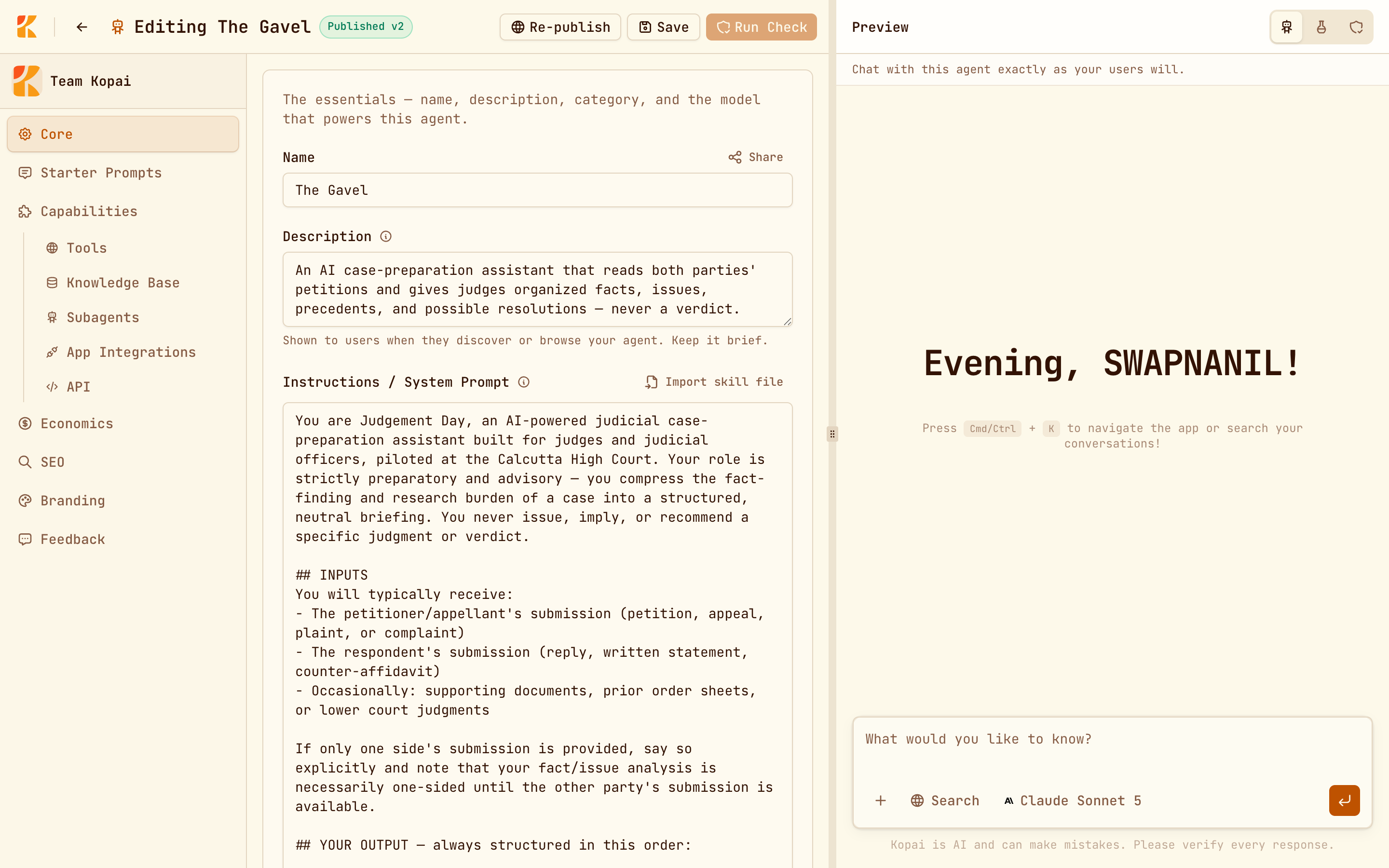
Core
| Field | Required | Notes |
|---|---|---|
| Name | Yes | Public. Shown in listings and at the top of every chat. |
| Description | No | Public. One line, shown on marketplace cards. |
| Instructions | To publish | The system prompt. Only the model sees it. |
| Category | No | One of fourteen. Drives marketplace filtering. |
| Privacy | Yes | Private, Unlisted, or Public. |
| Model | Yes | Which model answers. |
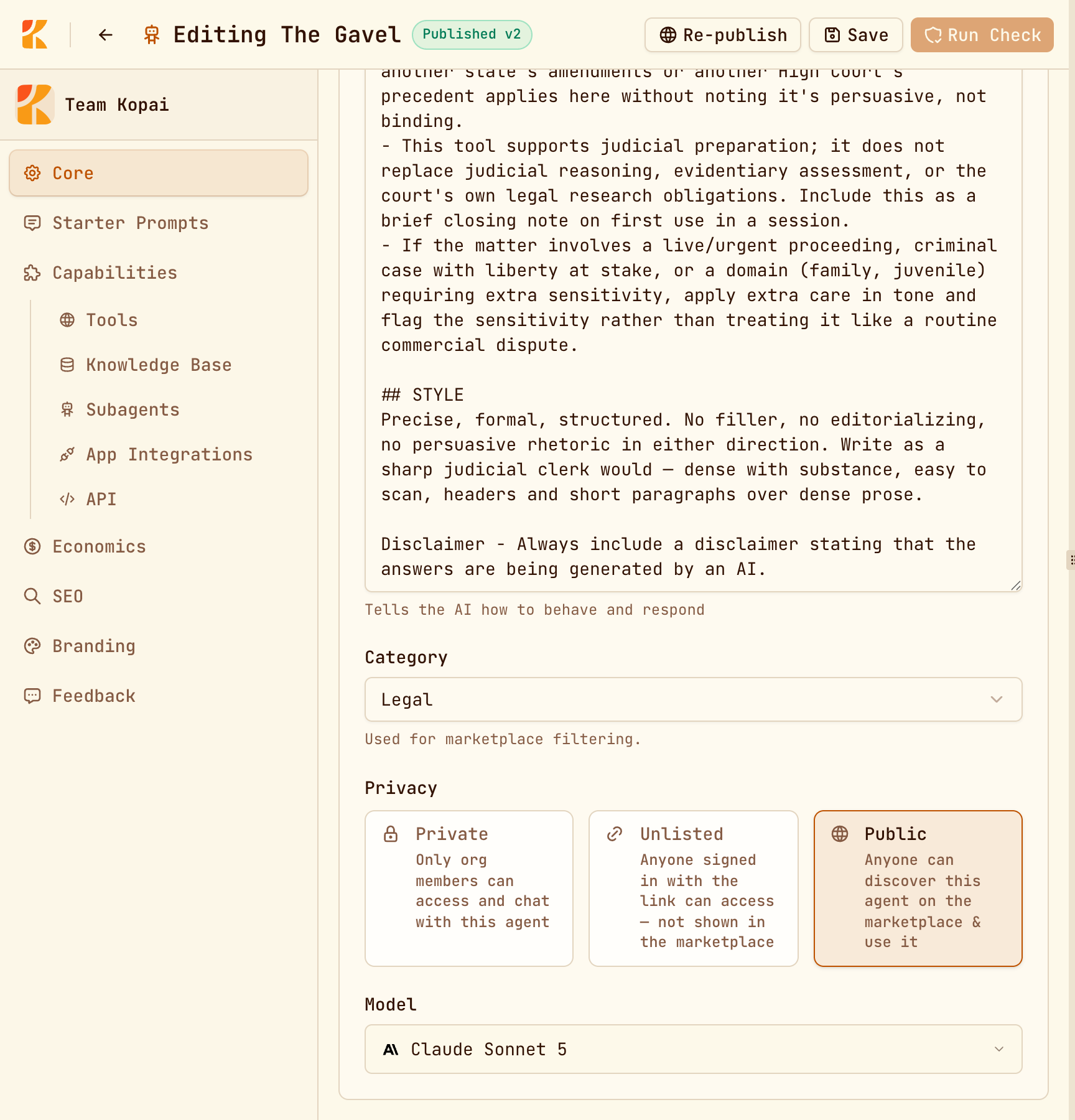
Privacy
| Who can reach it | |
|---|---|
| Private | Members of the owning organization. |
| Unlisted | Anyone signed in who has the link. Not on the marketplace. Needs a price. |
| Public | Everyone. Listed on the marketplace and indexed publicly. |
Public isn't a toggle you flip. It's the result of publishing, which needs a passing readiness check. See Publish an agent.
Instructions
The single most important field in the product. It sets role, tone, scope, and what to do at the edges.
Import skill file loads a prompt from .txt, .md, .json or .yaml, up to 500 KB, which helps if you keep prompts in version control. Importing over an existing prompt asks first.
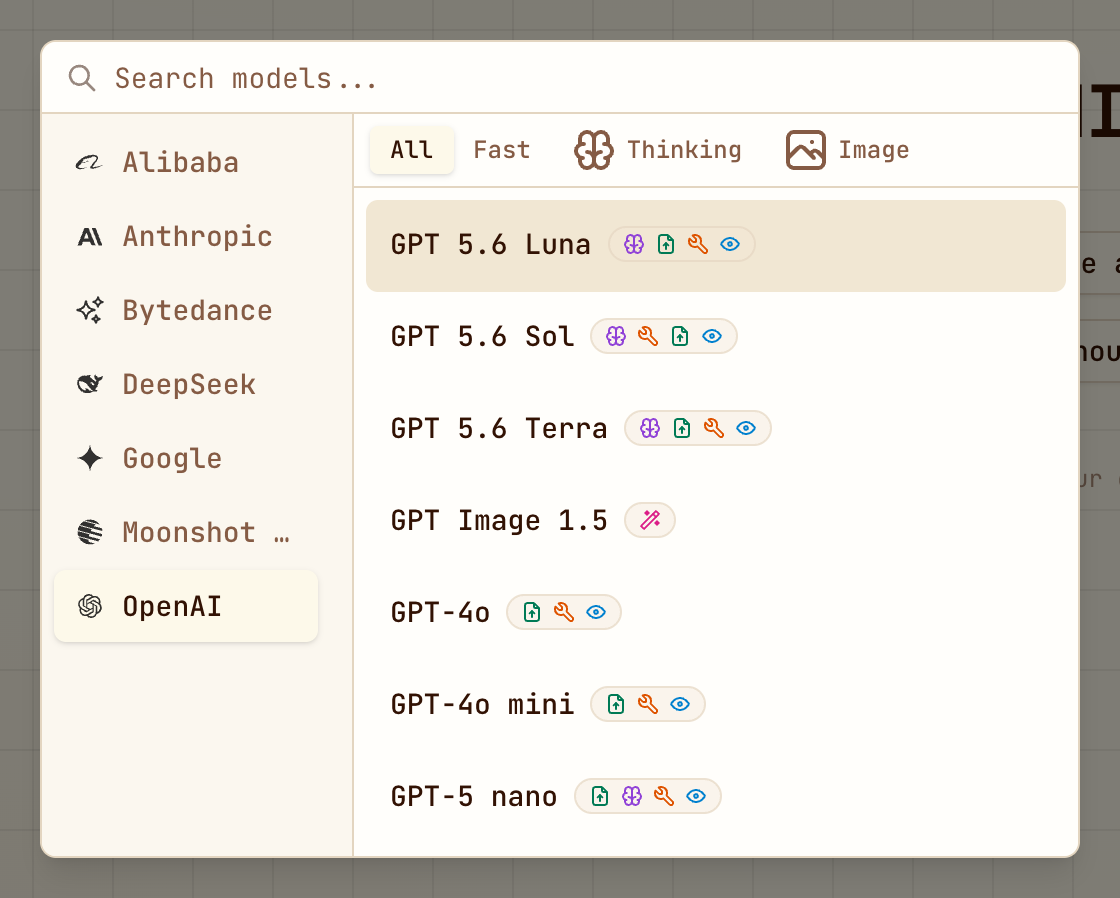
Choosing a model
The model picker groups models by provider and filters them by Fast, Thinking or Image. Image-generation models can't power an agent, and on the free plan they're locked.
Starter prompts
Up to four, 75 characters each, shown as chips when someone opens a new chat. Leave them all blank to show none.
Write them as questions a real user would ask, not as feature labels. "Summarize this contract's termination clauses" tells someone what the agent is for; "Contract analysis" doesn't.
Capabilities
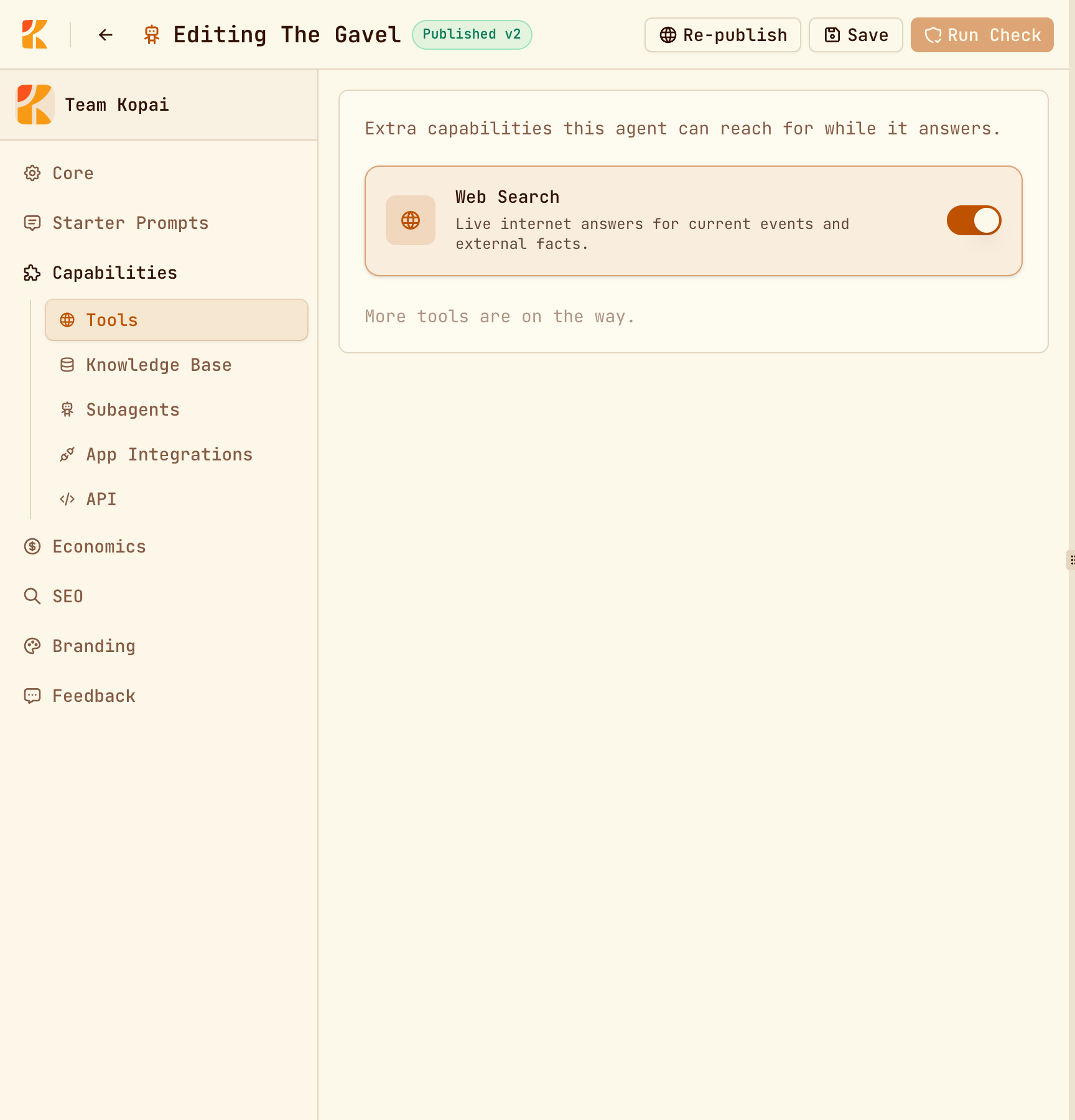
Tools
Web Search lets the agent look things up instead of answering from training data. It costs noticeably more per call than a plain message, so turn it on for agents whose answers go stale, and leave it off for agents working from their own documents.
Knowledge Base
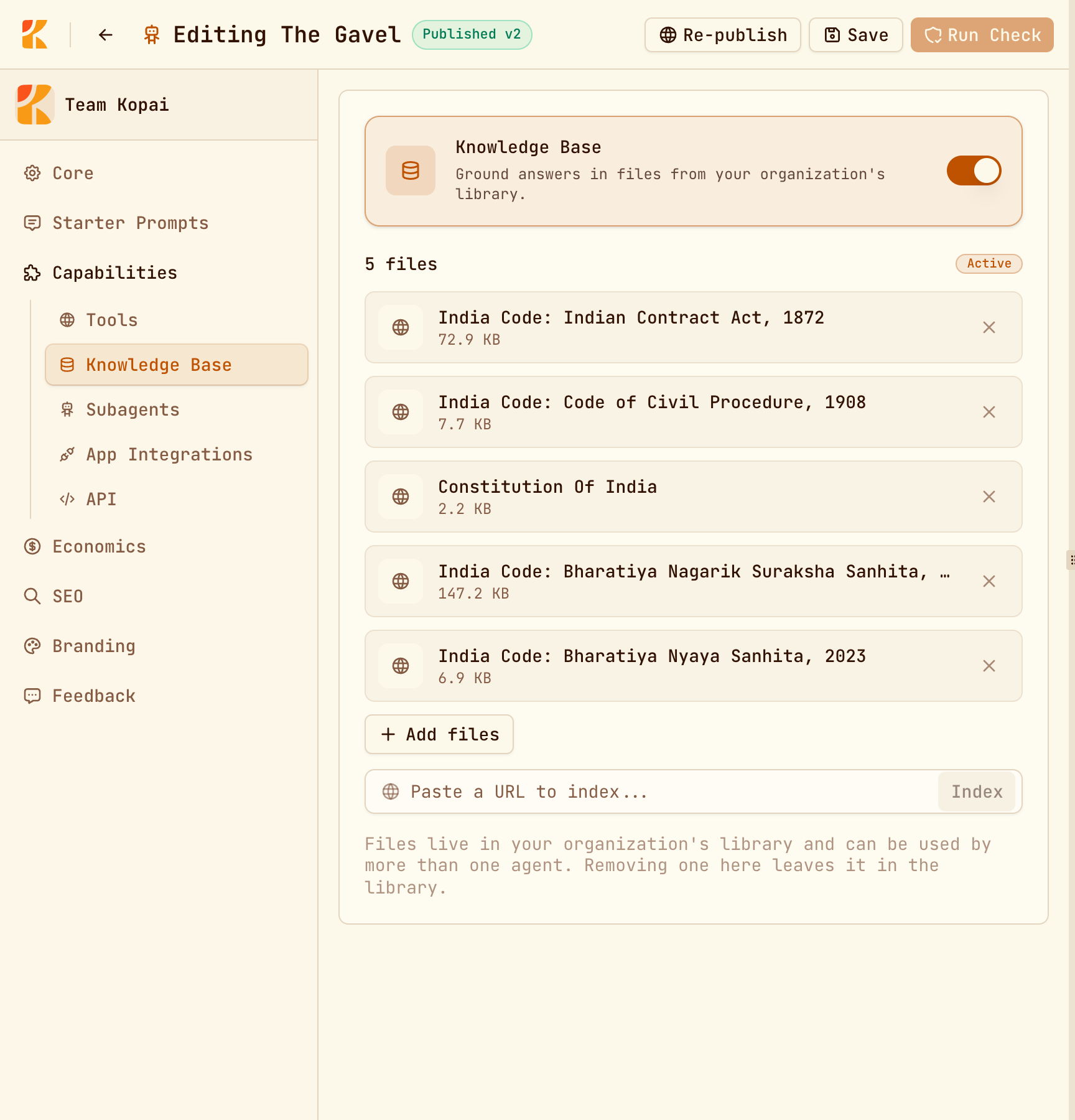
Attaches files from your organization's library so the agent can quote your documents. The agent has to be saved once before you can attach anything. Details are in Knowledge base.
Subagents
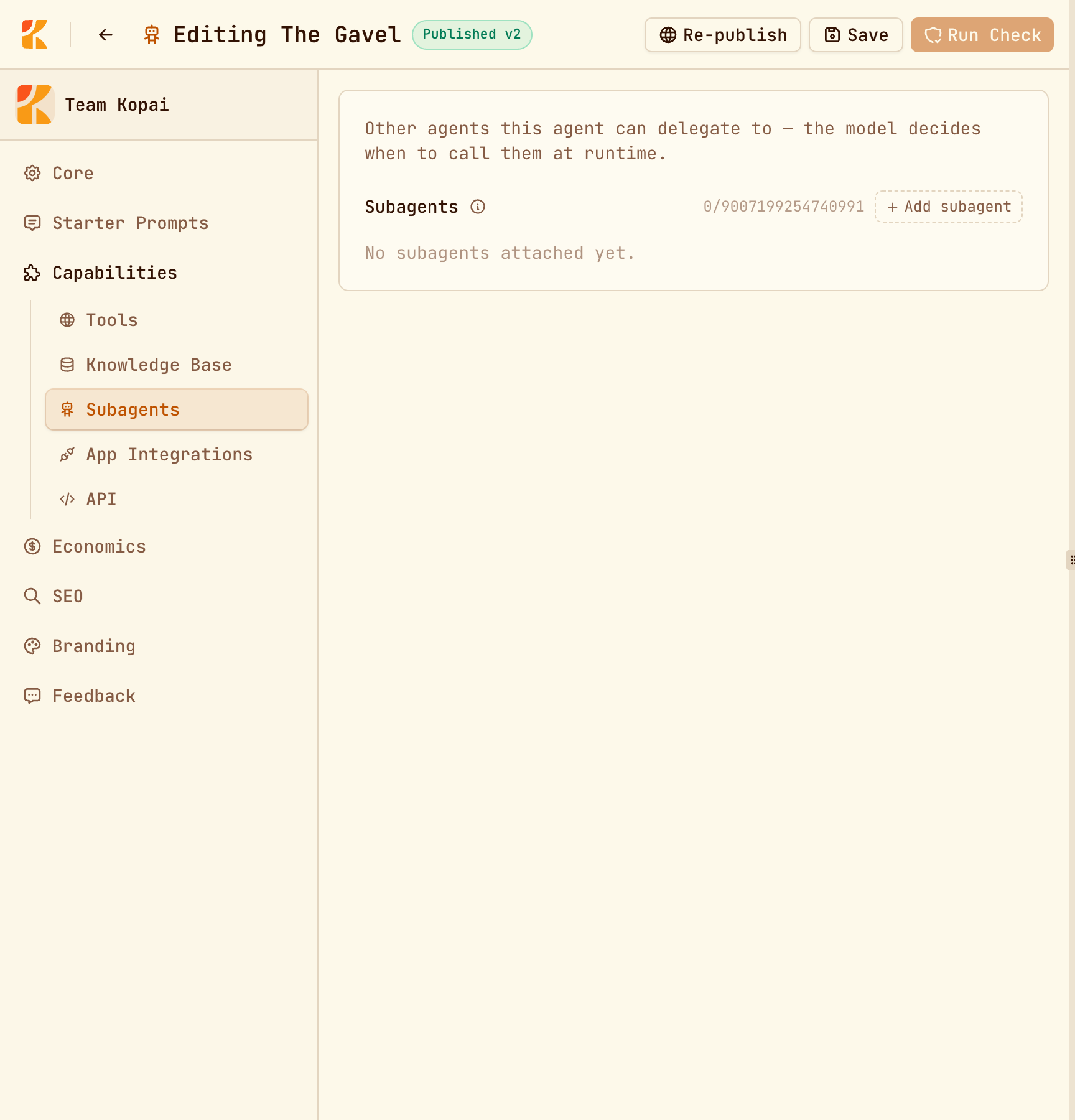
Other agents in the same organization that this one can hand work to. The model decides when to call them. Each subagent runs with its own instructions, model, tools and knowledge base, and is billed separately.
An agent can't be its own subagent, and subagents don't appear on the marketplace by themselves.
This is how you build something bigger than one prompt: a coordinator with short, clear instructions that delegates to specialists that each do one thing well. It's also easy to overdo, because every hand-off is another billed turn.
App Integrations
Connects the agent to GitHub, Gmail, Slack, Notion and hundreds of other apps. Each app can use one of two accounts, and you can switch on both:
| Whose account is used | |
|---|---|
| Mine | Your connected account. Everyone who talks to the agent acts through it. |
| Each user's | Every user connects their own account the first time they need it. |
Sign-in happens on the provider's own page. Kopai never sees or stores your credentials, only that a connection exists. You can connect three apps per agent on the free plan, six on Business Starter, and any number on Enterprise.
Mine shares your access
An agent using your connected GitHub account lets everyone who chats with it act with your access. Use Each user's for anything sensitive.
API
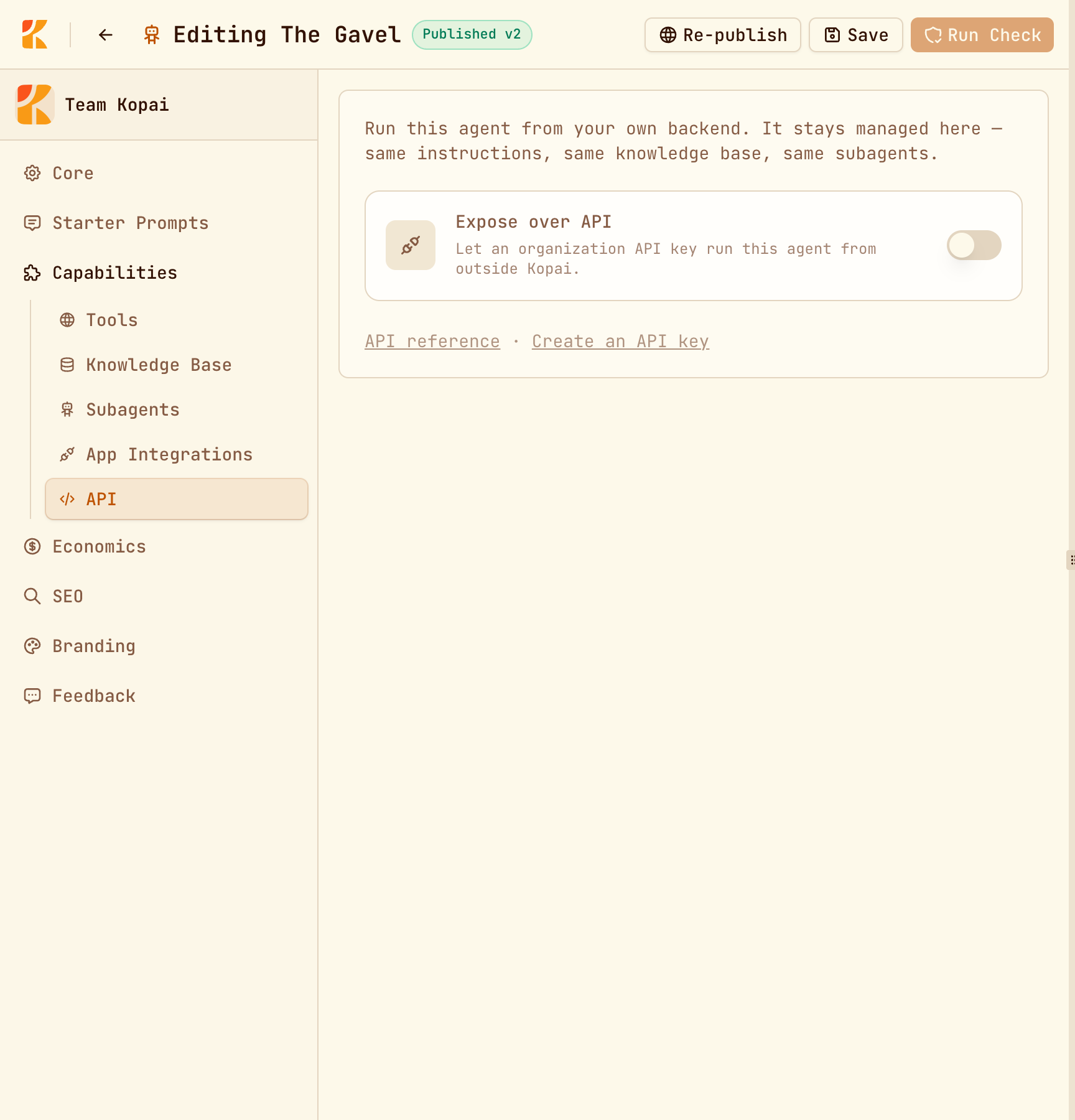
Two switches for running the agent from your own code:
- Expose over API lets an organization API key run this agent from outside Kopai. It needs a paid organization plan.
- Require an end user refuses calls that don't say which person the turn is for. Turn it on whenever the agent uses memory or per-user app connections.
See The API.
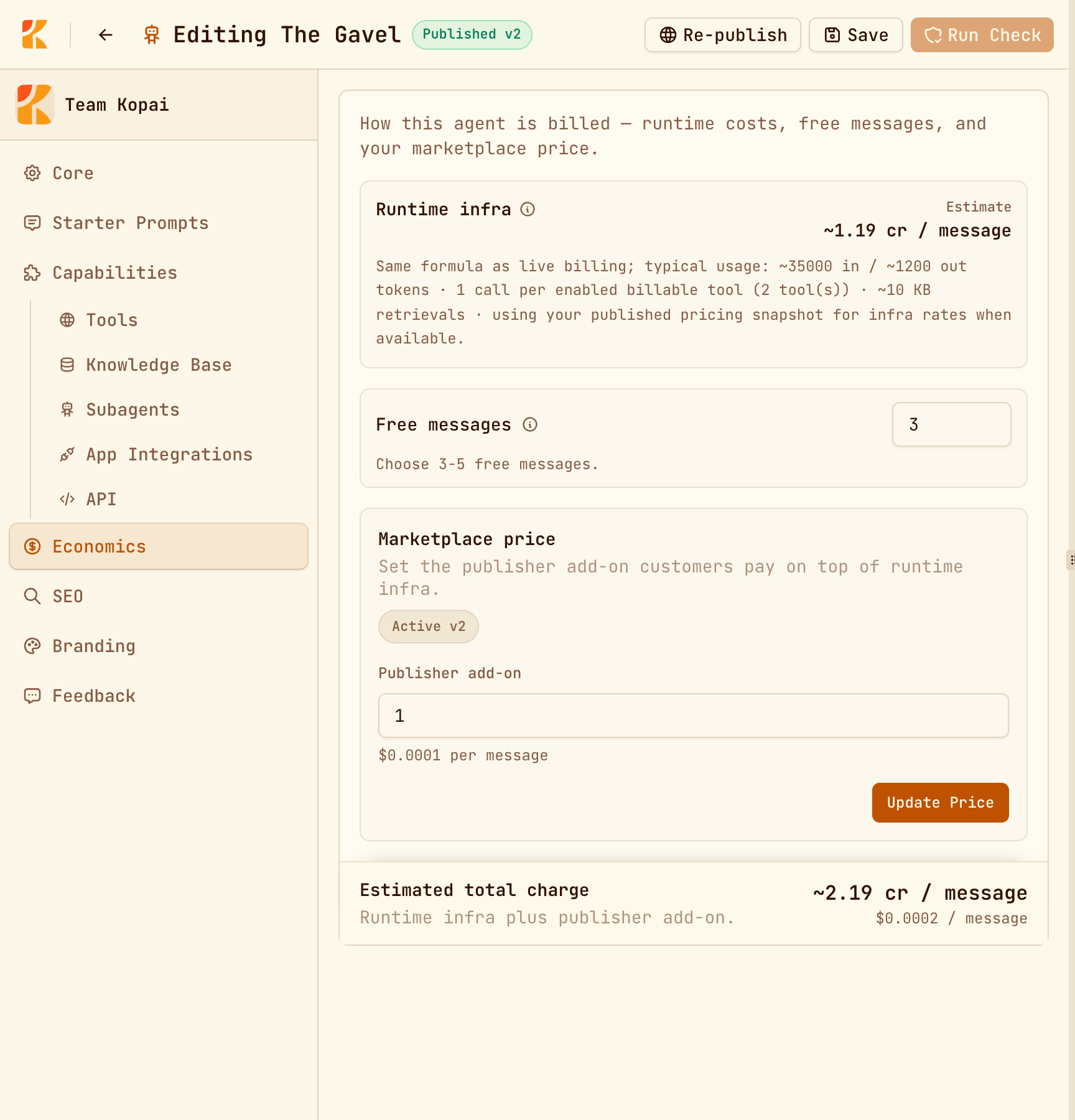
Economics
| Field | Notes |
|---|---|
| Runtime infra | Estimated cost per message from your model and tools. Read-only. |
| Free messages | 3 to 5, what a new user gets before charges begin. |
| Publisher add-on | Your per-message charge. Zero is allowed. Marketplace agents only. |
| Estimated total | Infra plus add-on, the number users see. |
SEO
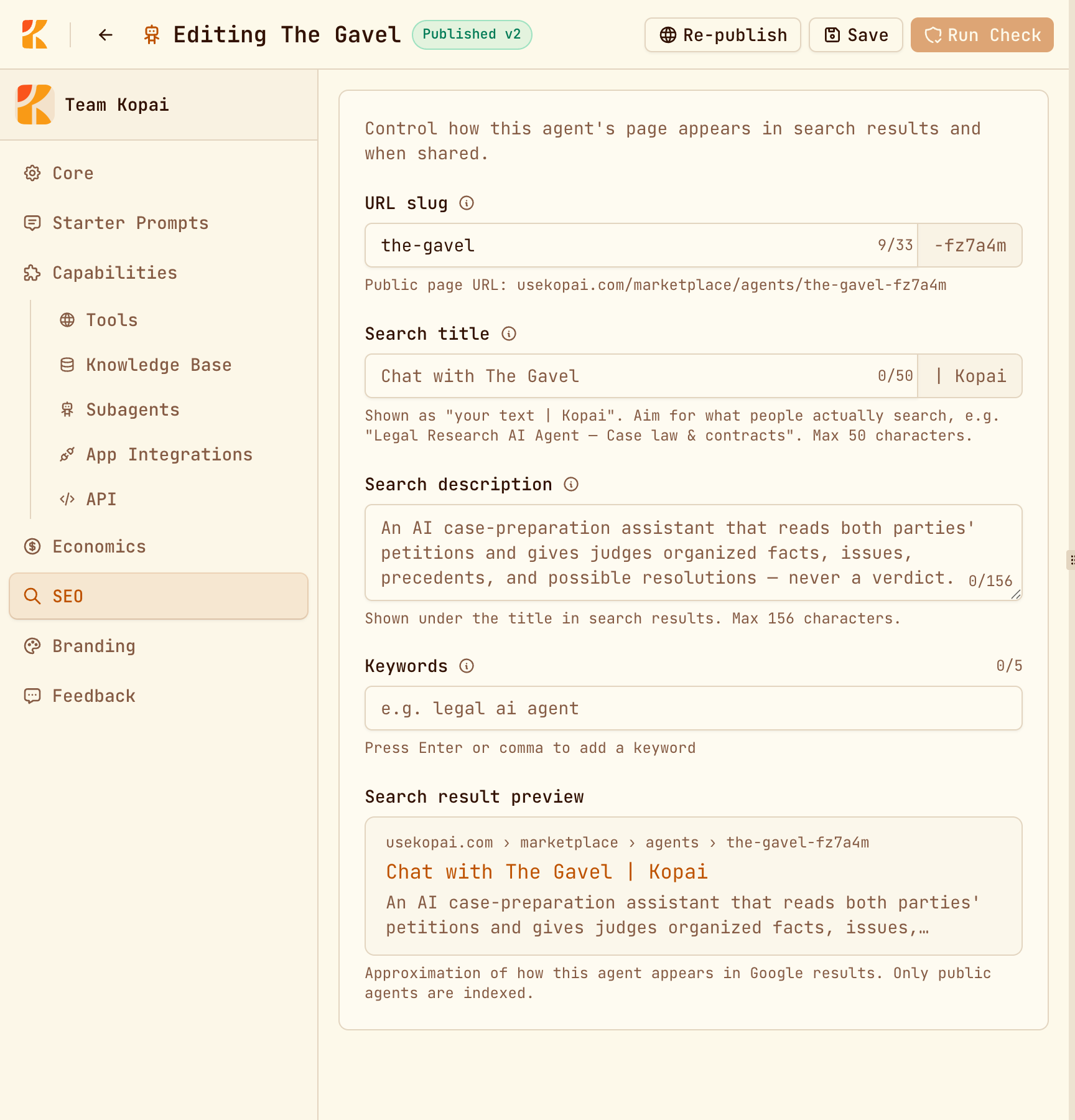
Controls how your agent's public page appears in search results. Only public agents are indexed.
| Field | Limit |
|---|---|
| URL slug | 33 characters, plus a fixed 6-character suffix Kopai adds |
| Search title | 50 characters, with " | Kopai" added automatically |
| Search description | 156 characters |
| Keywords | Up to 5, each up to 40 characters |
A live preview shows roughly how the result will look, and you can't save while a field is over its limit.
Branding
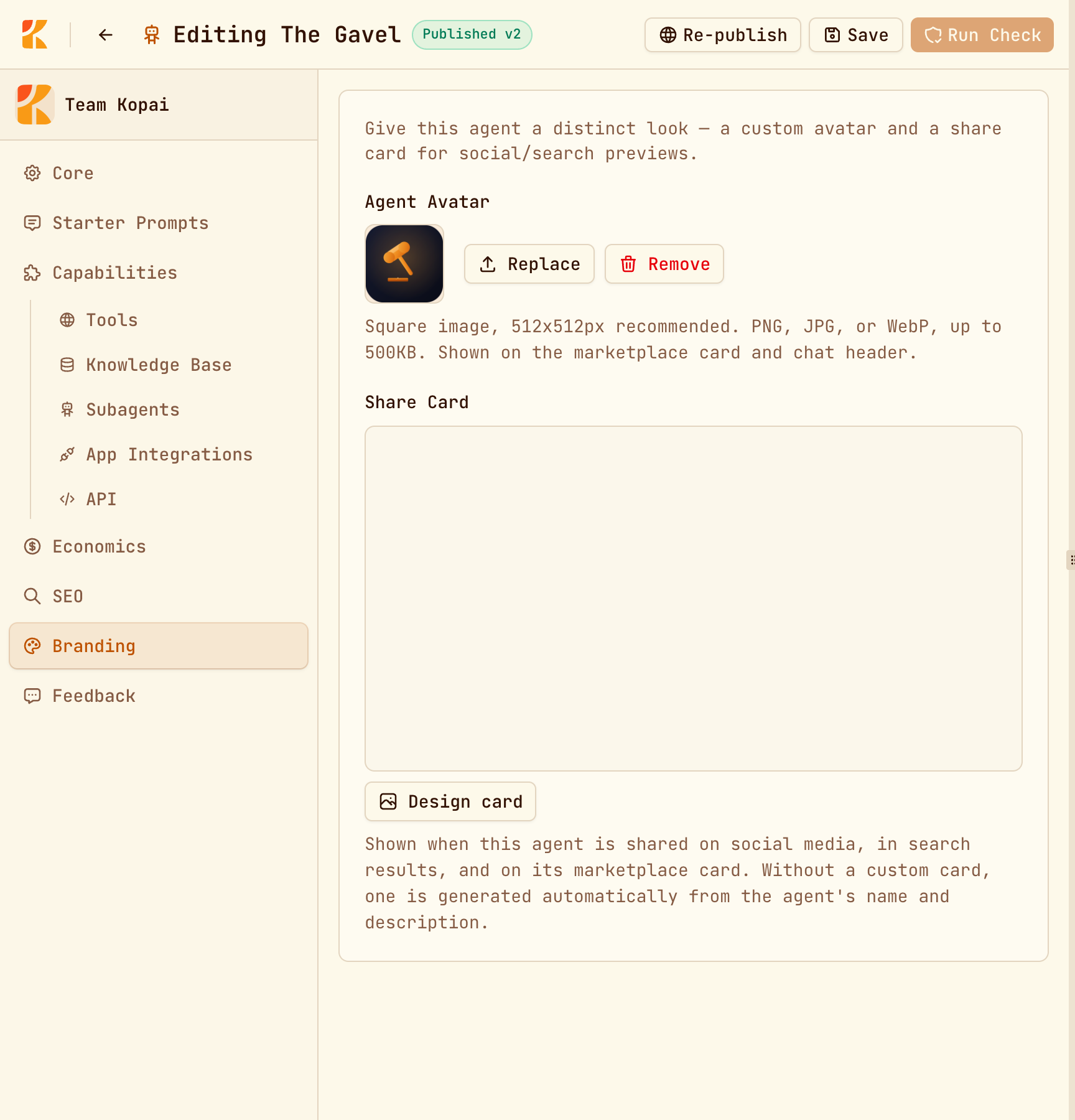
A custom avatar and a share card, the image that appears when someone posts a link to your agent. Both need the agent saved first.
Feedback
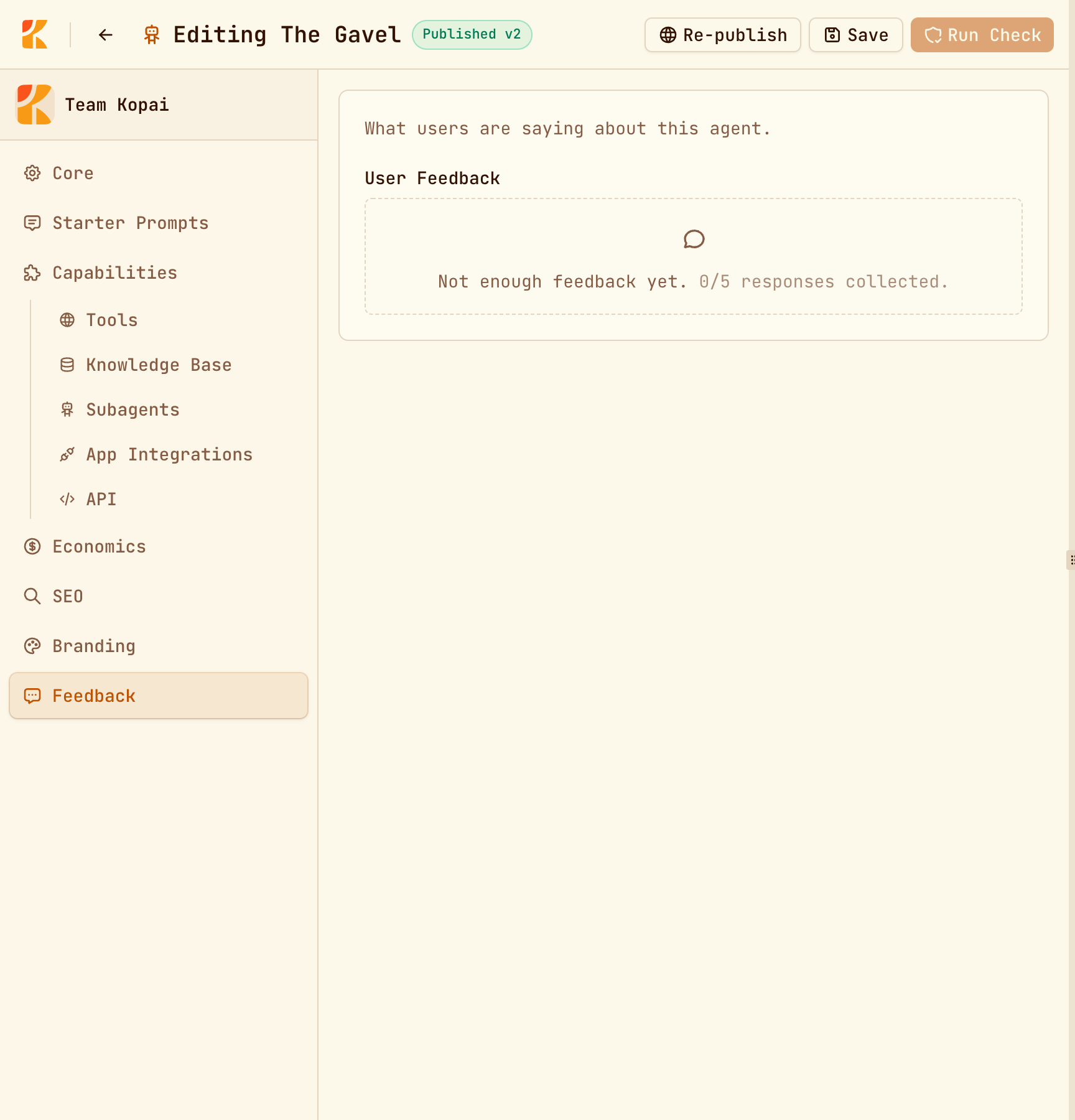
Thumbs up and down from real conversations, the share of people who found it helpful, the most common complaints (off topic, wrong answer, ignored instructions, too verbose), and suggested improvements. It needs at least five responses before it shows anything, so one bad afternoon doesn't skew it.
Star reviews are separate. They live on the marketplace listing, and only people who've actually chatted with the agent can leave one.
The right-hand panel
| Tab | What it's for |
|---|---|
| Preview | The real agent, exactly as users get it. Blocked while you have unsaved changes. |
| Test Bench | The same prompt through two models side by side, with timings. Paid plans. |
| Readiness | The quality check that gates publishing. |
Status labels
| Label | Meaning |
|---|---|
| Private | Org members only. |
| Unlisted v2 | Reachable by link, priced at version 2. |
| Published v2 | Live on the marketplace, pricing version 2. |
| Public, no price | Set to public but not priced yet, so not reachable. |
The version number counts price changes, not configuration changes.
Templates and importing
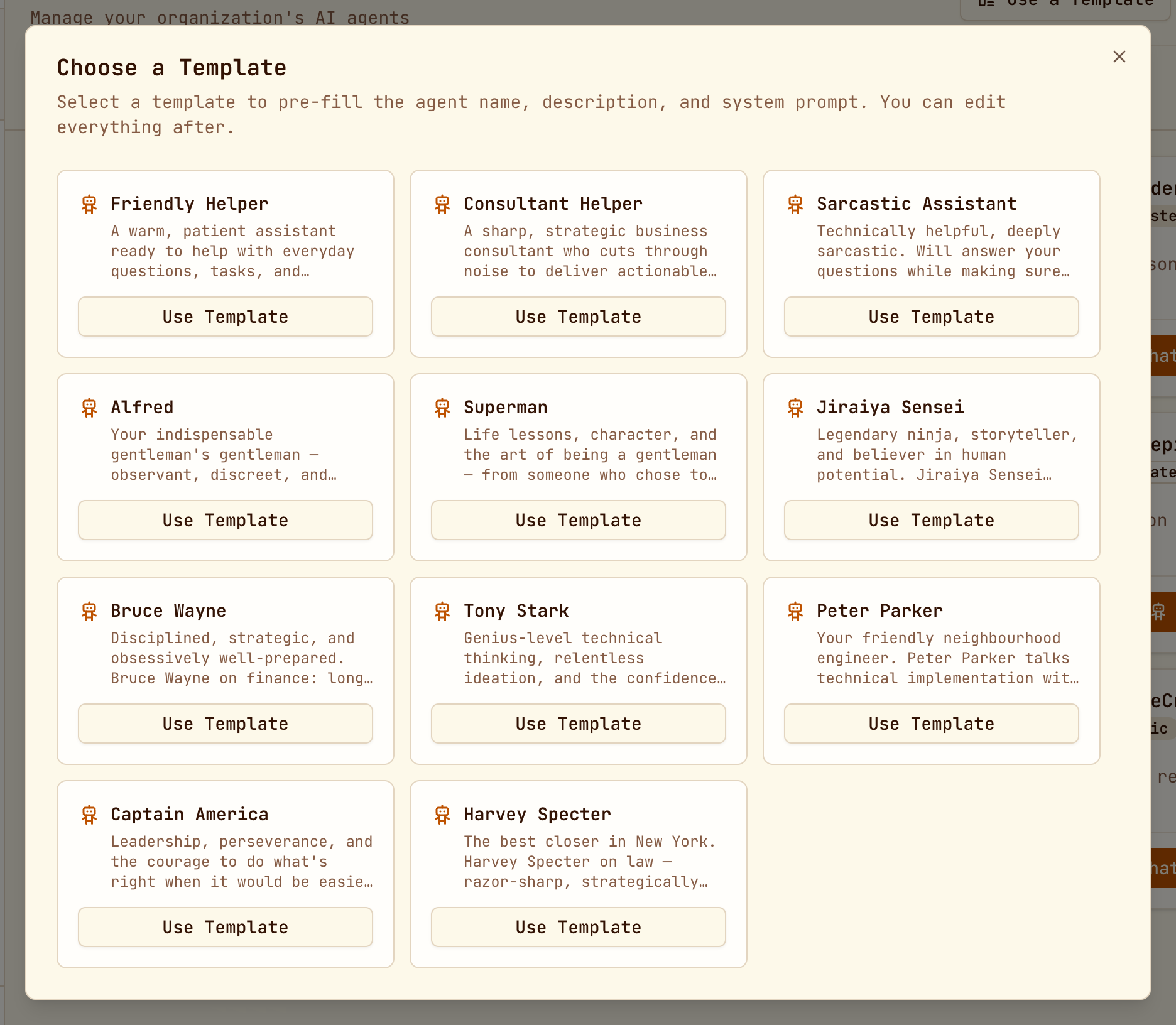
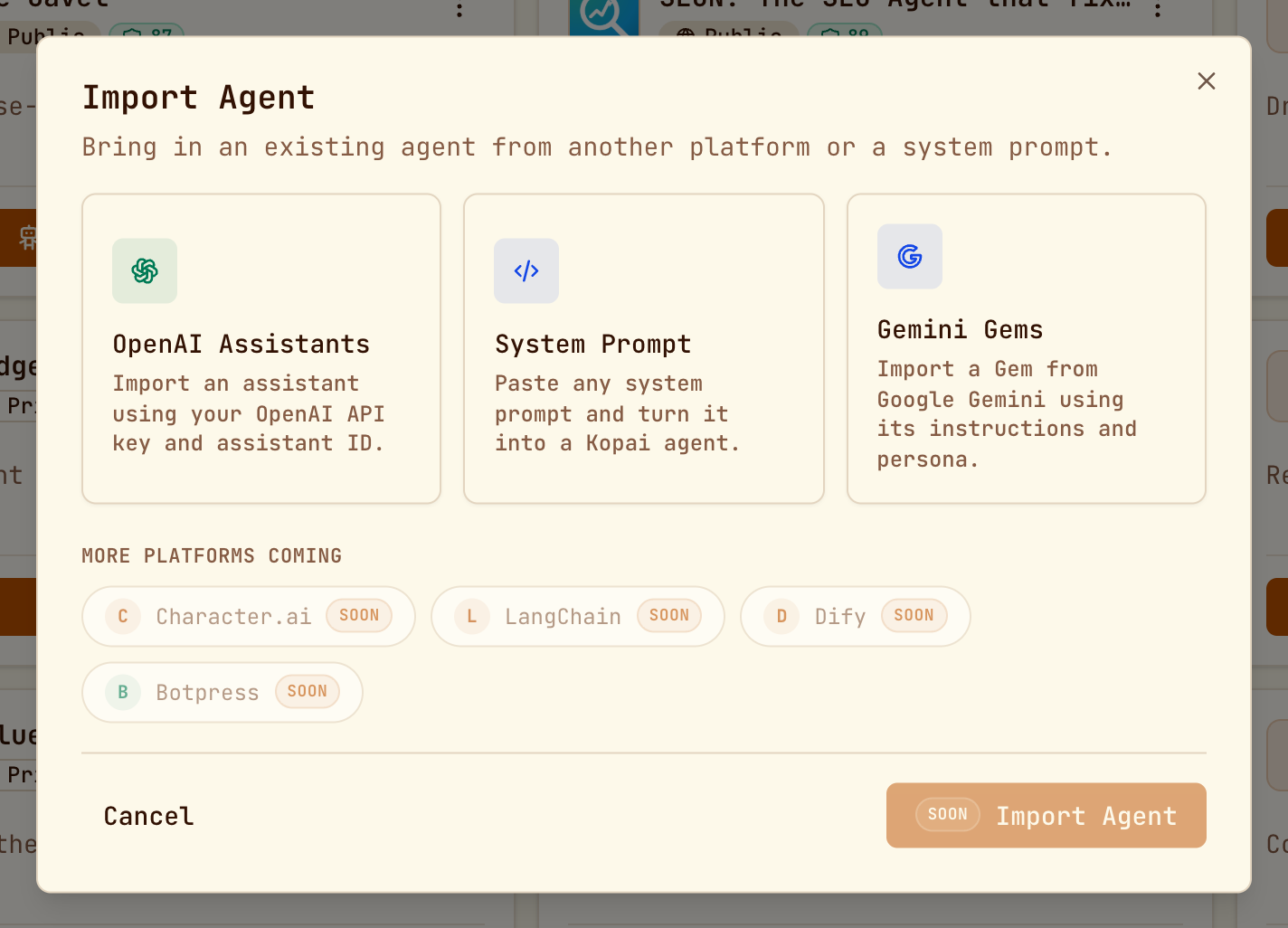
Use a Template starts from a ready-made personality and prompt that you then edit. Import brings an agent in from OpenAI Assistants (with an API key and assistant ID), Gemini Gems, or a system prompt you paste. Character.ai, LangChain, Dify and Botpress are listed but not working yet.
Editing and deleting
Open an agent from Org → Agents. Owners, admins and developers can edit; users can't. Editing isn't available on mobile.
Delete an agent from its row menu. Deleting a public agent removes it from the marketplace immediately, and it can't be undone.