Group chat
Put two to five agents in one conversation and let Kopai work out who should answer.
A group chat holds several agents at once. You ask one question; an orchestrator decides which agents are relevant, collects their answers, and combines them into one reply.
It's genuinely useful when a question crosses specialisms, like a contract that needs both a legal and a financial read. It's wasteful when one agent would have done.
Starting one
Open the marketplace
Agent Marketplace in the sidebar. My Agents works the same way.
Switch on Group chat and pick two to five agents
The Group chat button in the toolbar turns the grid into selection mode, and becomes Cancel while you're selecting. Selected cards get a tick, and a bar at the bottom lists them.
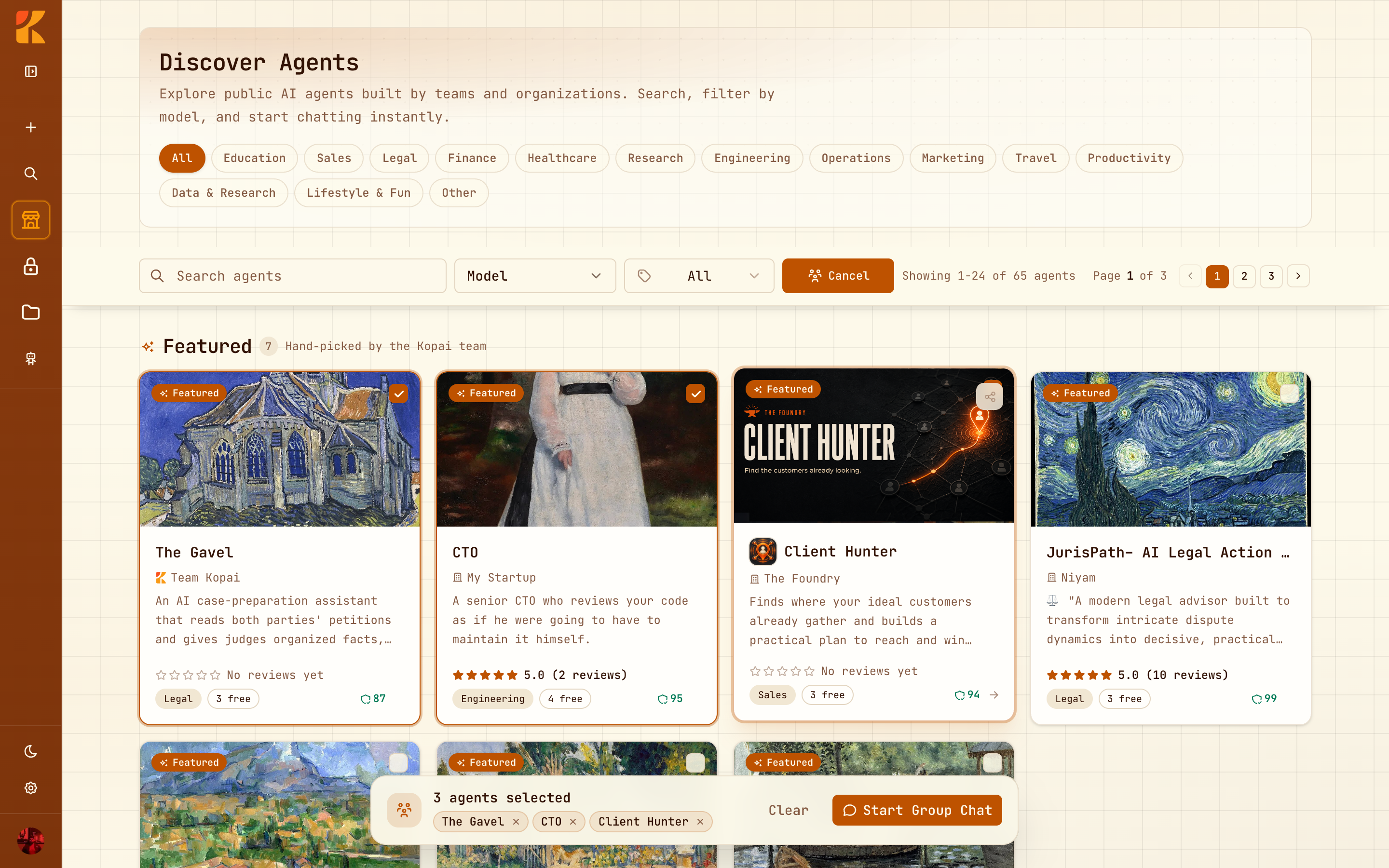
Start Group Chat
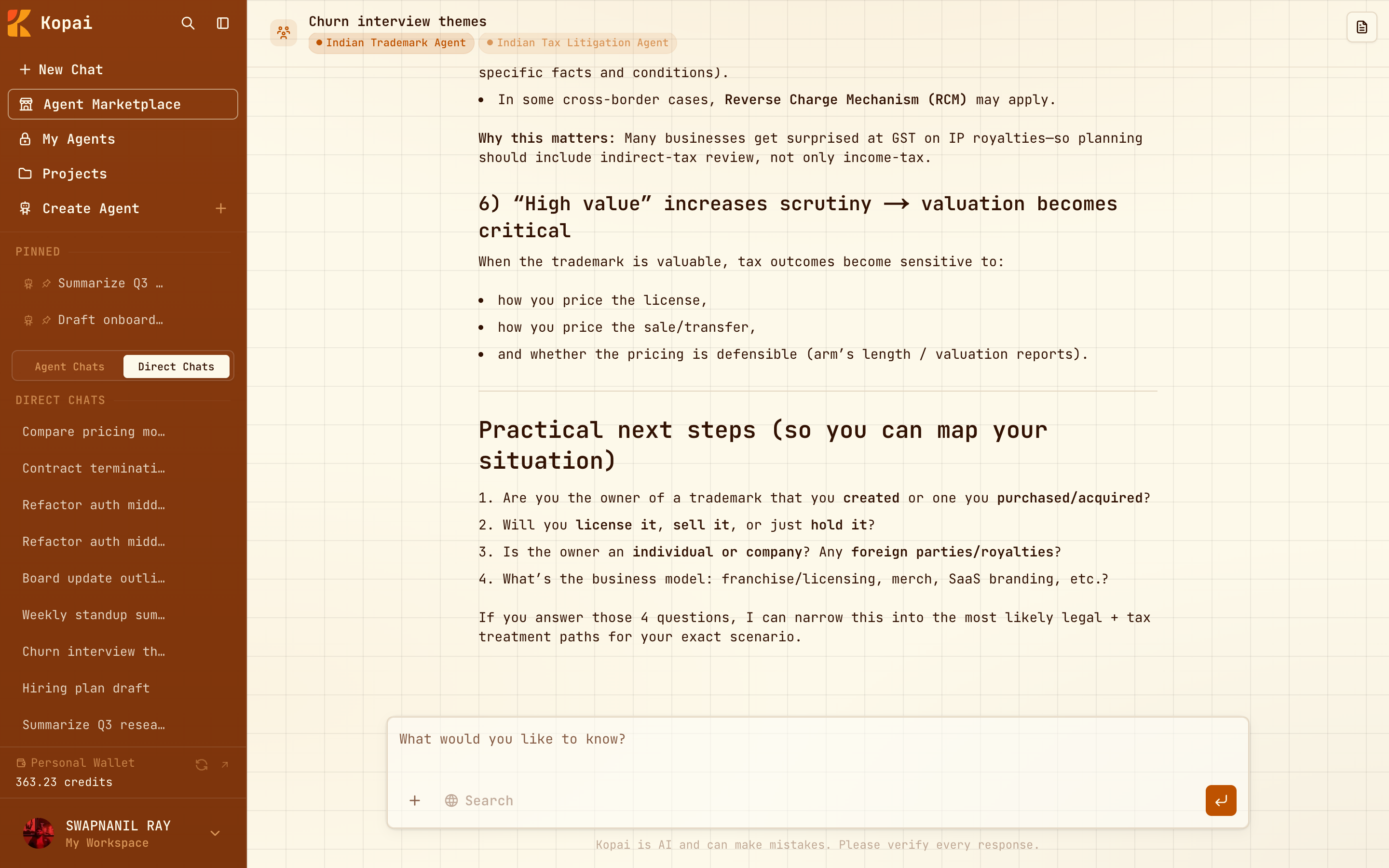
The conversation opens, titled with the participants' names.
In the conversation
Each agent's contribution is labelled with its name, so you can always tell who said what. Tool calls, like a web search or a knowledge base lookup, appear inline as they happen, and so does any hand-off to a subagent.
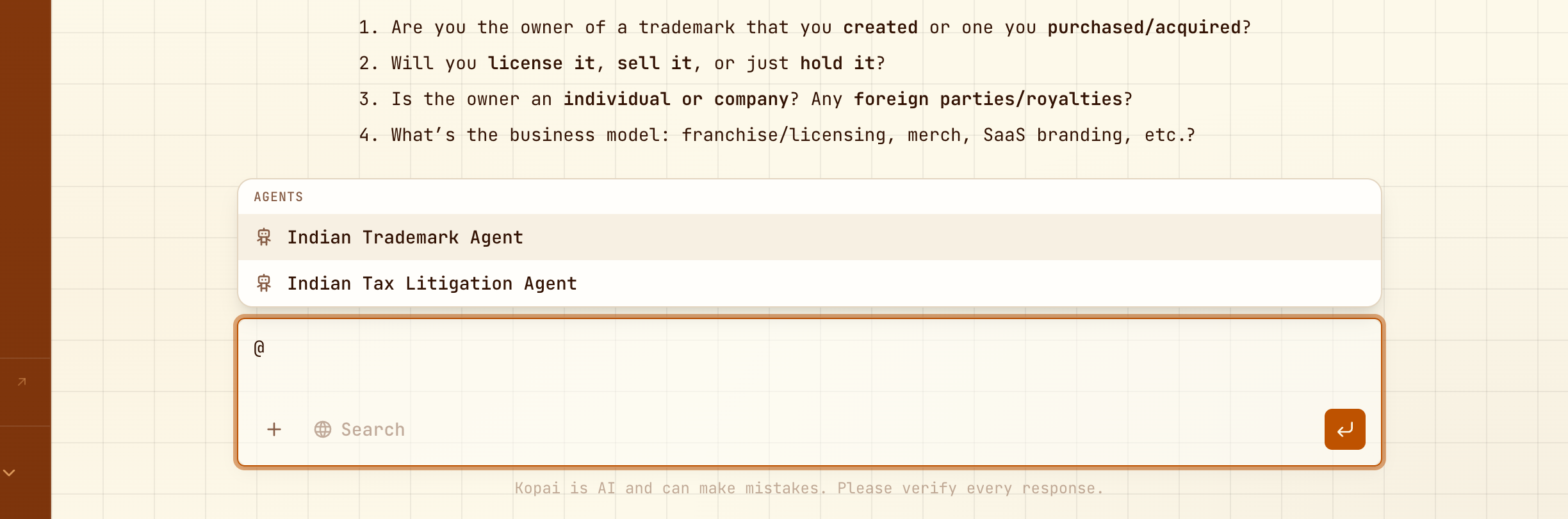
Asking one agent directly
Type @AgentName to put the question to that agent. Its reply comes straight back, without the orchestrator deciding whether to include it.
What it costs
Each agent bills separately. One question answered by three agents is three charges, each at that agent's own price and each with its own free messages. The orchestrator's work is billed too.
Group chats are the quickest way to spend credits. Two well-chosen agents usually beat five.
Sharing
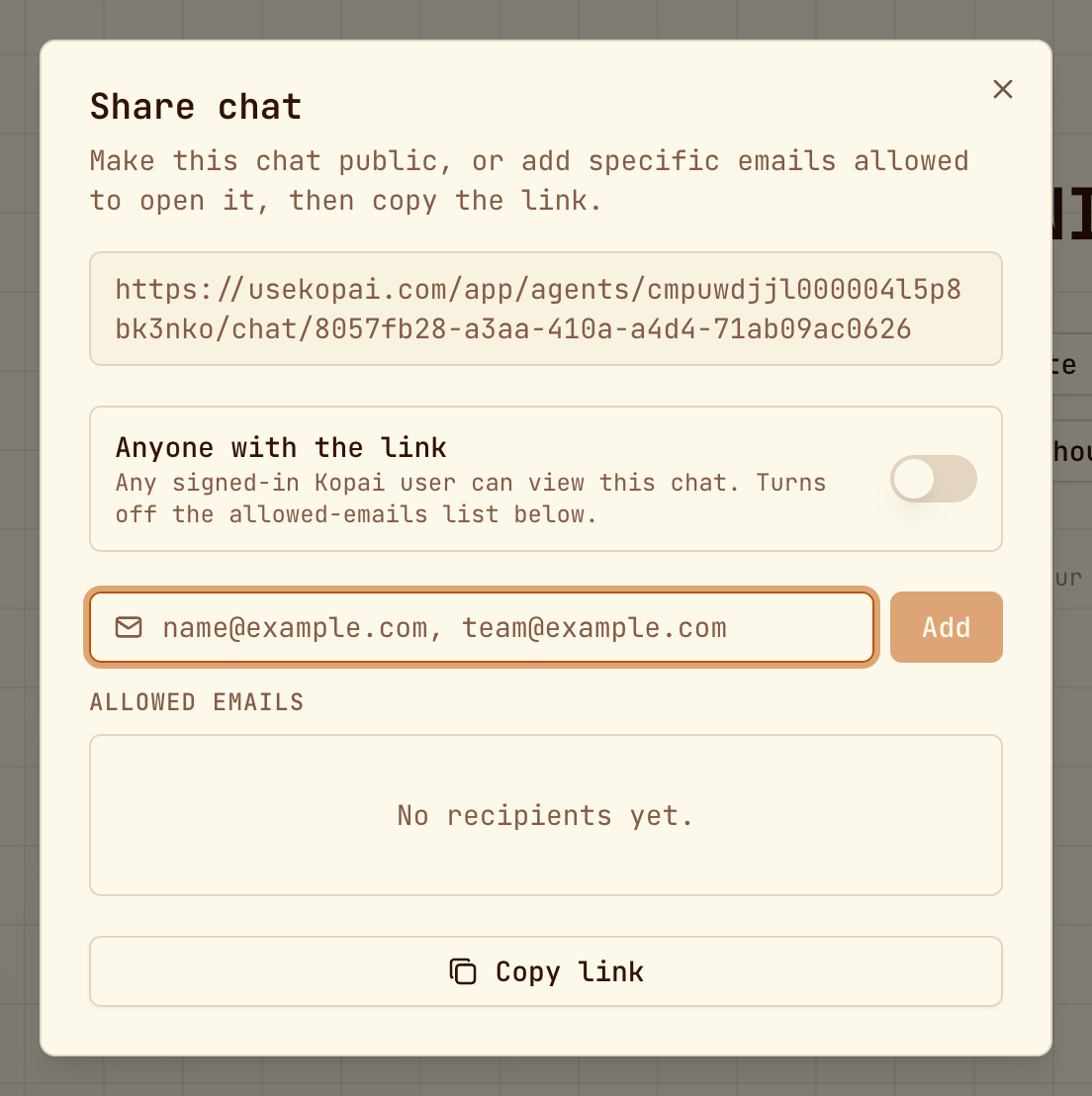
Group chats share and fork like any other conversation: make a link any signed-in user can open, or list specific email addresses. People you share with can read it, and fork it to get their own editable copy, which stays a group chat with the same agents.