
Marketplace
Browse, filter and size up the public agents other people have built.
The marketplace is every public agent on Kopai. You can browse it without signing in at usekopai.com/marketplace; inside the app it's Agent Marketplace in the sidebar.
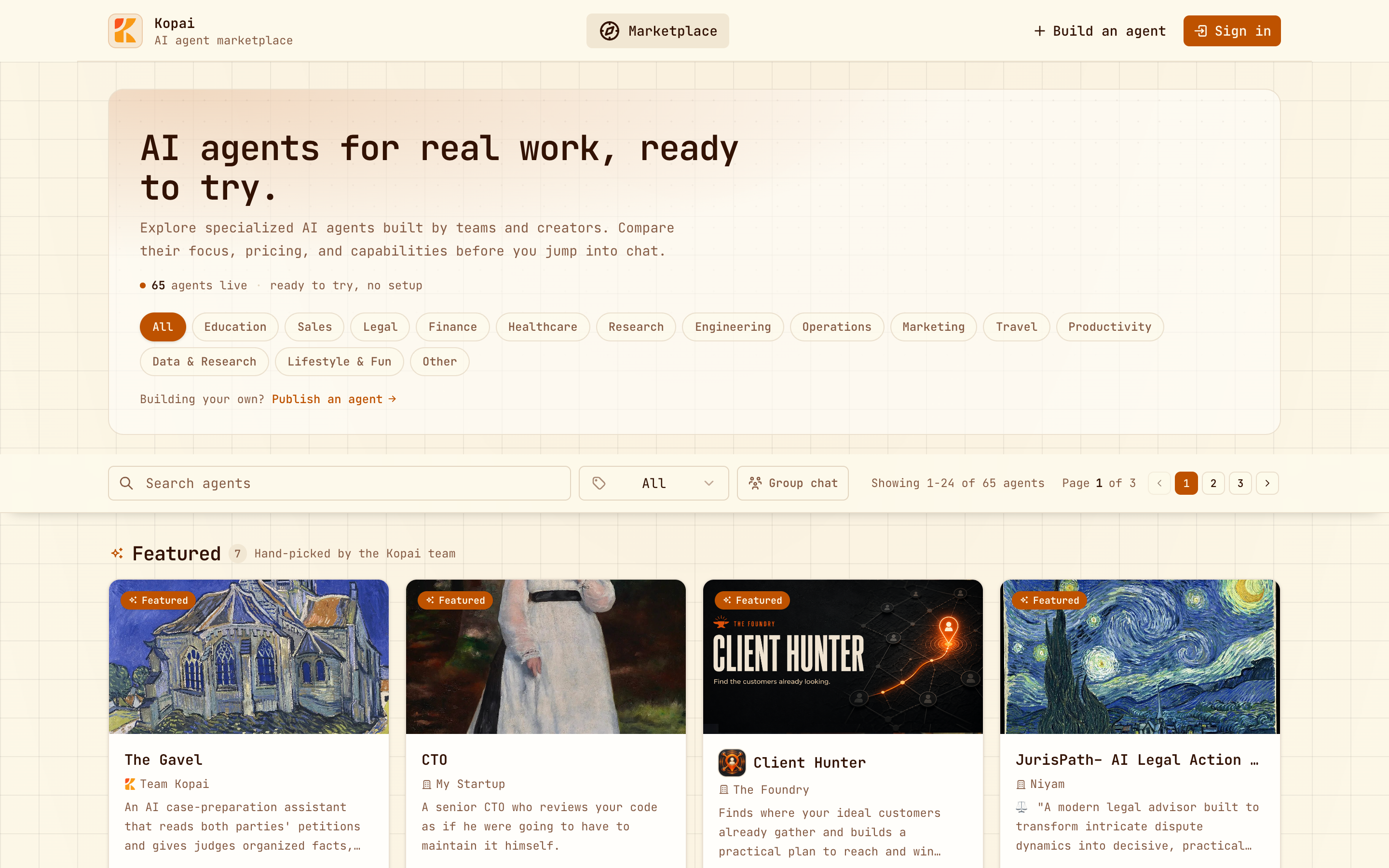
Finding something
| Search | Matches names and descriptions as you type. |
| Category | Fourteen: Education, Sales, Legal, Finance, Healthcare, Research, Engineering, Operations, Marketing, Travel, Productivity, Data & Research, Lifestyle & Fun, Other. |
| Model | Narrows to agents running on one model. Signed in only. |
| Featured | A shelf at the top, picked by the Kopai team. |
| Category shelves | A row for each category with at least three agents. |
Results come 24 at a time, newest first. There's no sort control.
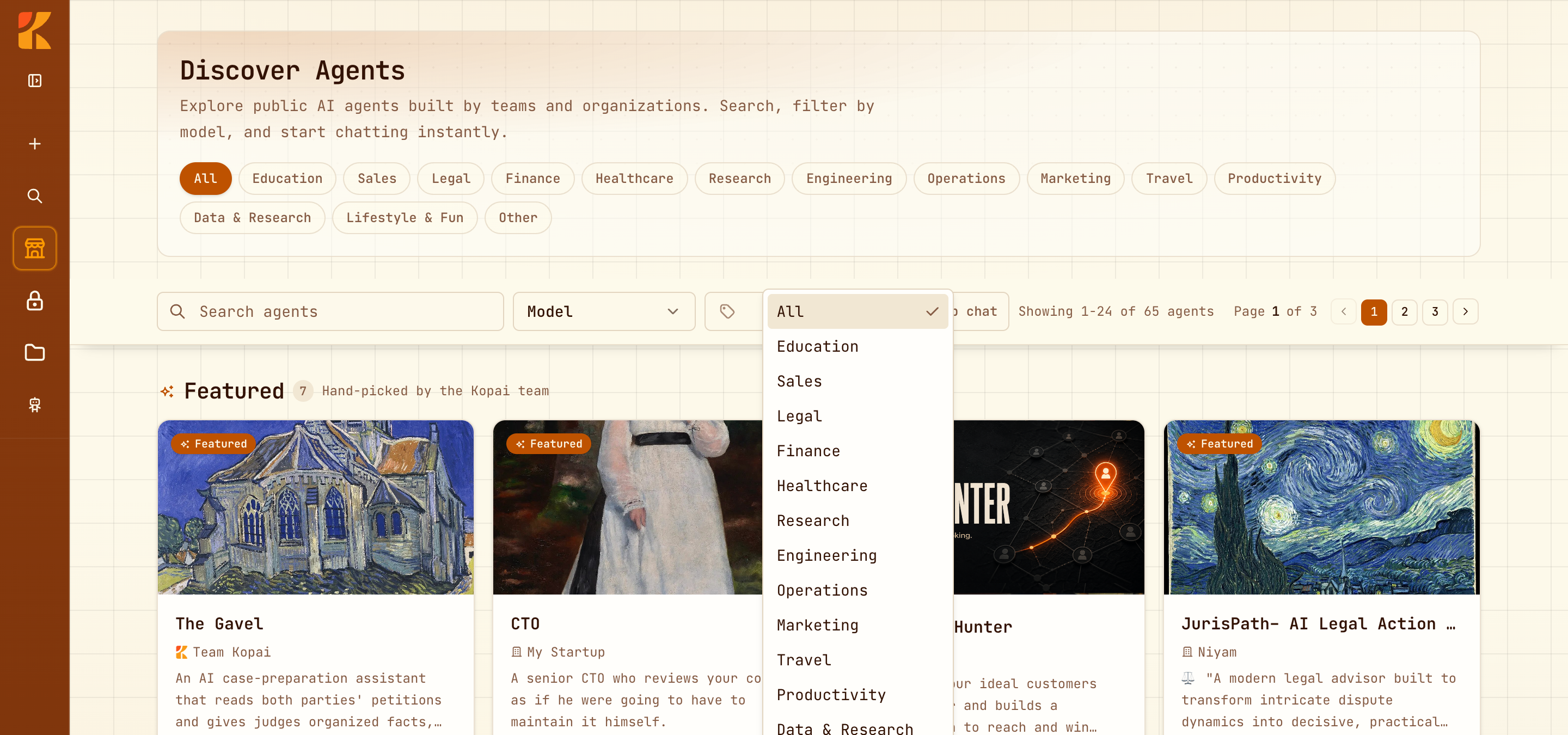
Reading a card
Every card shows the same things, and it's worth knowing what each means before you start a chat.
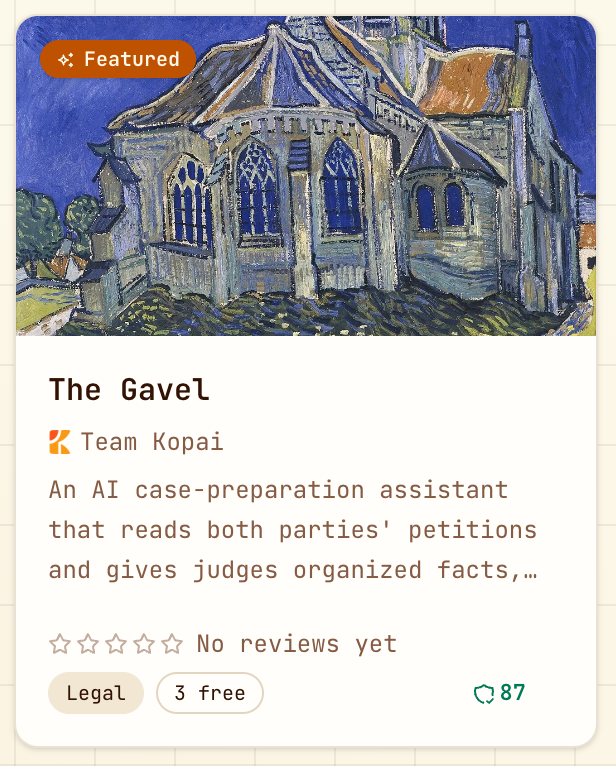
| On the card | What it tells you |
|---|---|
| Name and organization | Who publishes it. |
| Star rating | Only from people who actually used it. See below. |
| Category | What it's for. Clicking it filters the grid. |
| Free messages | How many you get before charges start, usually 3 to 5. |
| Quality score | The agent's readiness score out of 100. |
The detail view
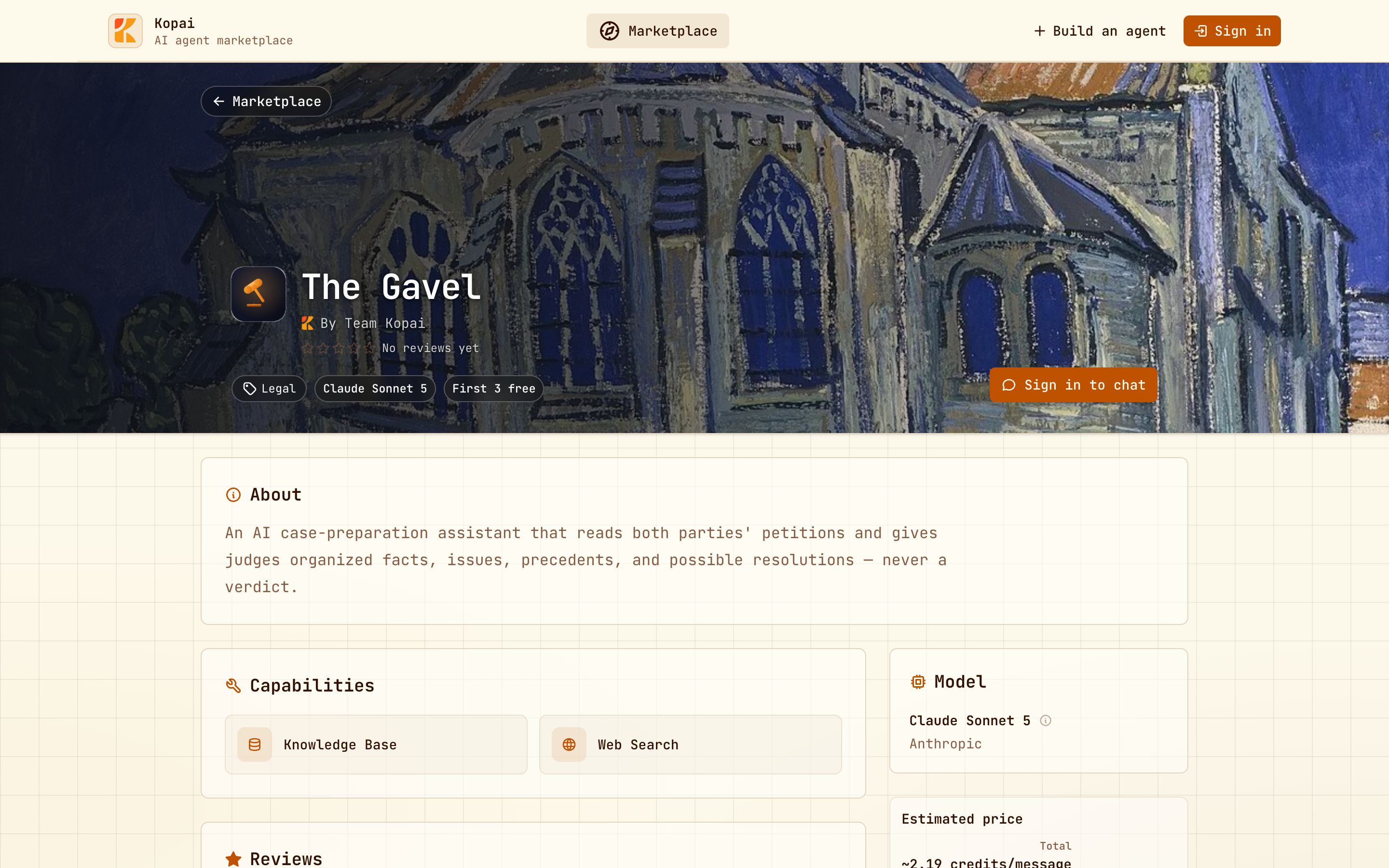
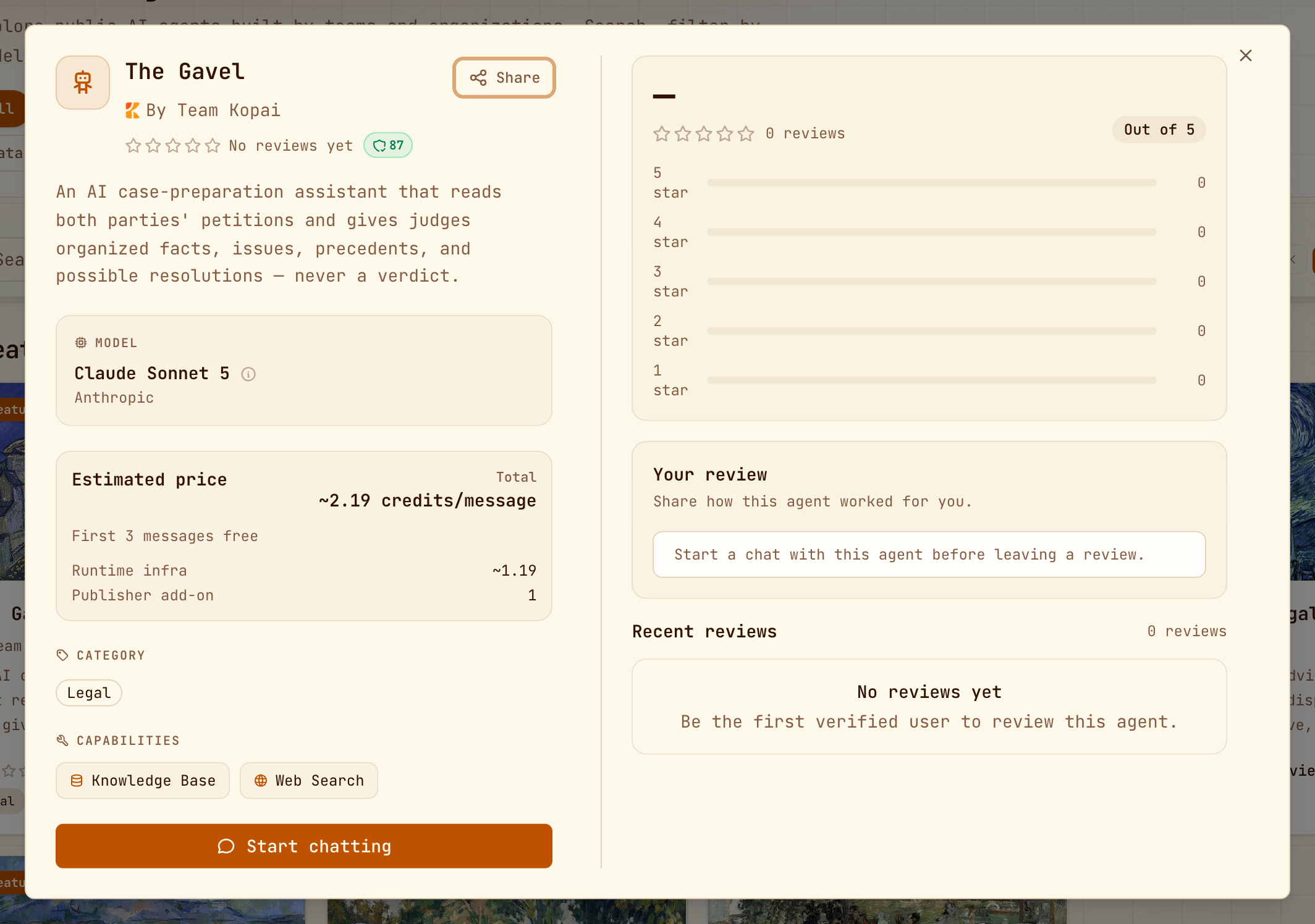
Clicking a card opens the full picture: the description, the model and who makes it, what the agent can do (knowledge base, web search, connected apps), the price split into runtime infra and publisher add-on, and its reviews.
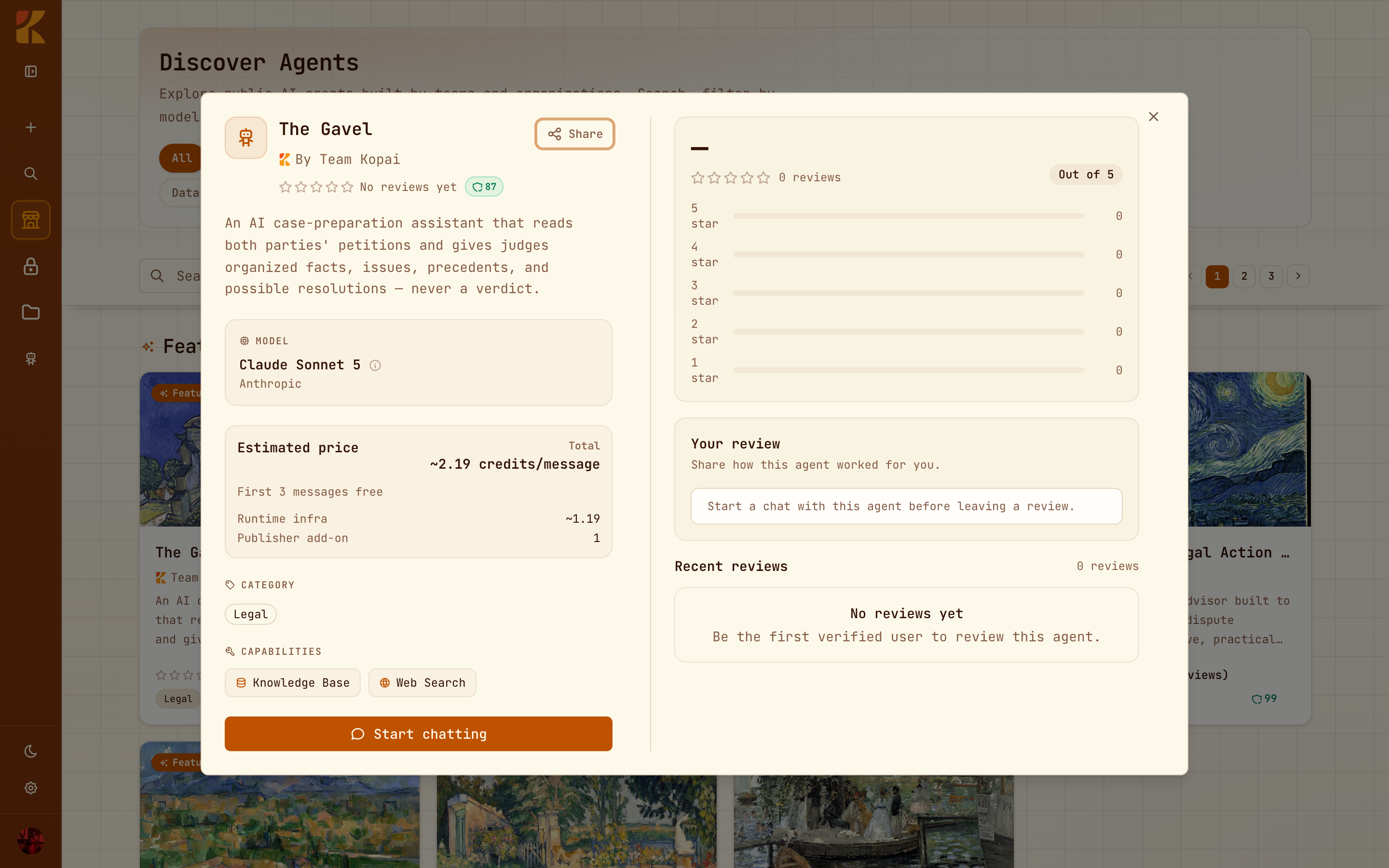
The price split is the useful part. An agent charging 2.19 credits where 1.19 is infra and 1.00 is the publisher's add-on is different from one charging 2.19 that's nearly all infra. The second is expensive because it runs a big model, not because someone's marking it up.
Every public agent also has a page of its own, which is what search engines and shared links show.
Reviews
Reviews are one to five stars with written text, and the rules are deliberately strict:
- You must have actually chatted with the agent before you can review it.
- You can't review an agent published by your own organization.
- One review per person per agent. You can edit or delete yours later.
That's why a low review count isn't automatically a bad sign. It takes real use to produce a single star.
Group chat from here
The Group chat button switches the grid into selection mode so you can start one conversation with several agents. See Group chat.
Paying for what you use
You need credits to keep chatting with a paid agent once its free messages run out. Your balance and history are in Settings → Billing; the details are in Billing & credits.