
Publish an agent
Pass the readiness check, set a price, and put your agent on the marketplace.
Publishing puts your agent on the marketplace, where anyone on Kopai can find it, and lets you charge for it. First it has to pass an automated readiness check.
Save, then run the check
The check grades exactly what's saved, so click Save first, then Run Check in the header. It usually takes under a minute, and it's doing real work: policy scanning, safety and jailbreak tests, behavior evaluation, and a look at whether your knowledge base covers what the agent claims to do.

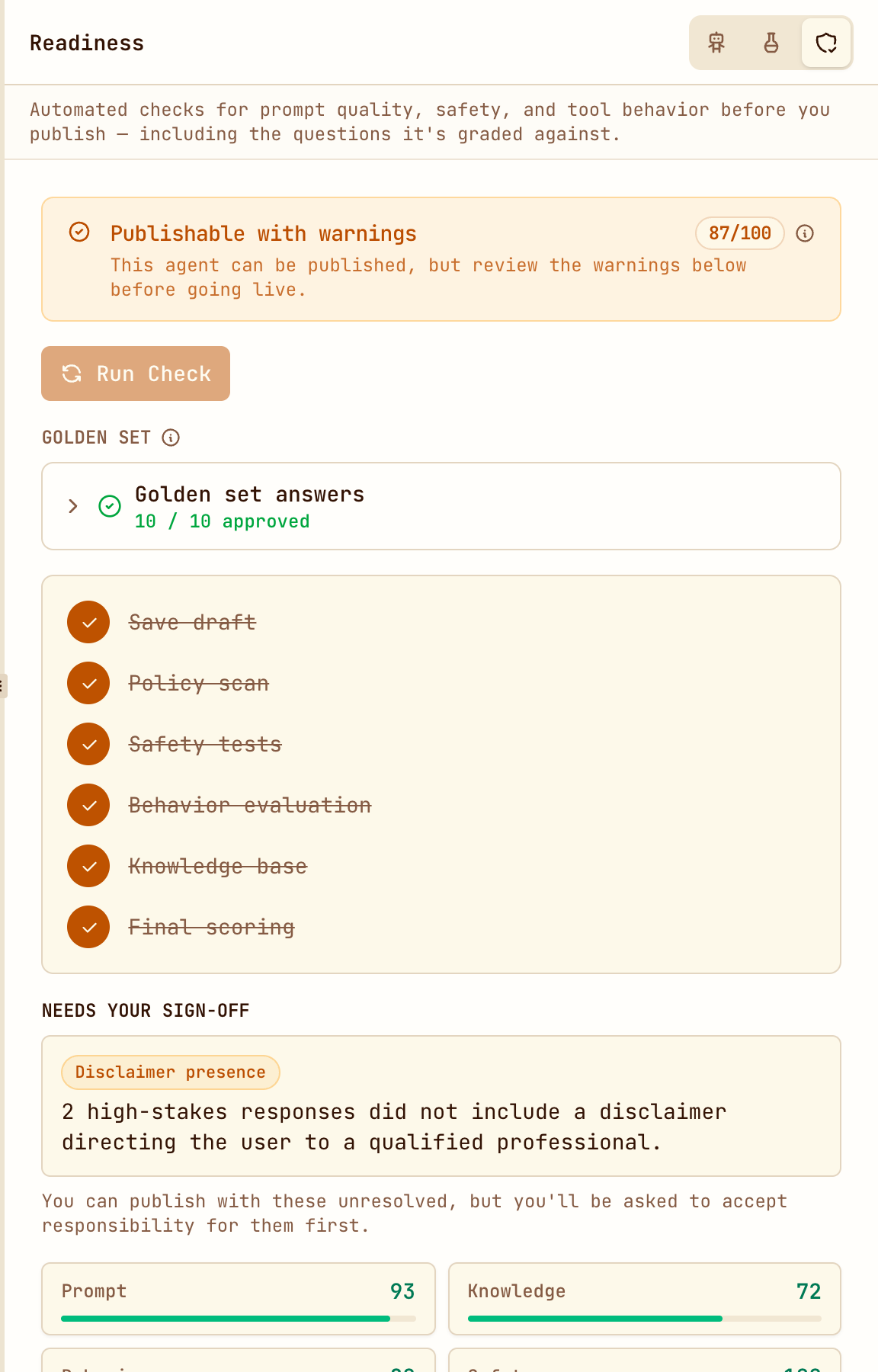
Results land in the Readiness panel: an overall score out of 100, a verdict, a bar for each dimension, and a plain list of what to fix.
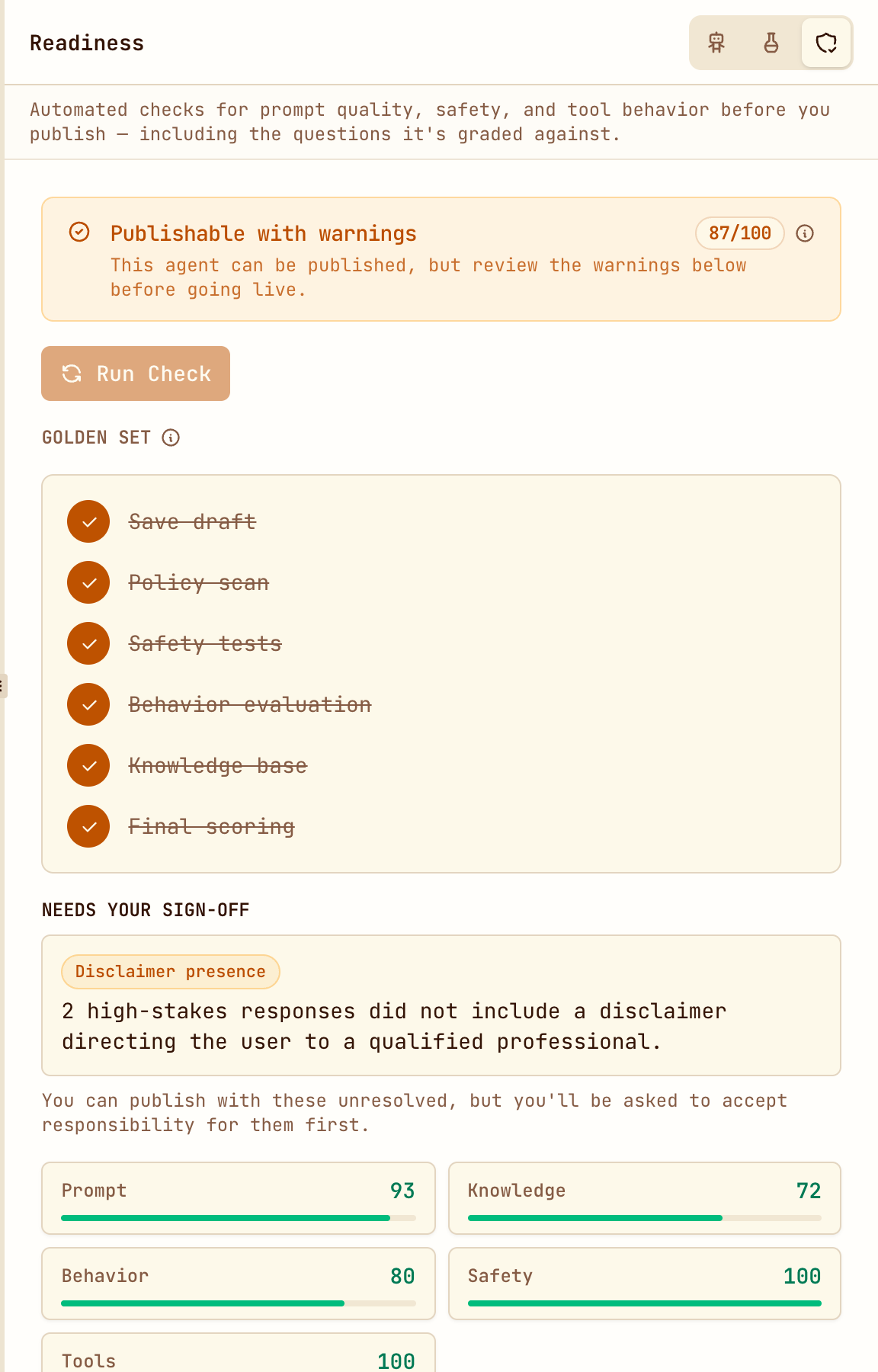
The golden set
Part of the check is done by you. Kopai writes real questions for your agent and asks you to certify how it should handle each one: answer directly, answer with caveats, or decline. Your answers become the standard the agent is graded against, and the check won't pass until you've reviewed them.
It's the most useful ten minutes of the whole flow, because it makes you decide what your agent should refuse.
If it doesn't pass
You need 70 or higher, no blocking issues, and a certified golden set. The report tells you which dimension held you back.
Usually the fix is in the instructions. Vague instructions score badly on Prompt and Behavior, because an agent that hasn't been told its limits wanders outside them. Spelling out the scope (what it covers, what it refuses, what it does when unsure) usually lifts both.
If Knowledge is the weak score, the fix is files, not words: the agent claims a scope its documents don't cover.
Set your price
Open the Economics tab.
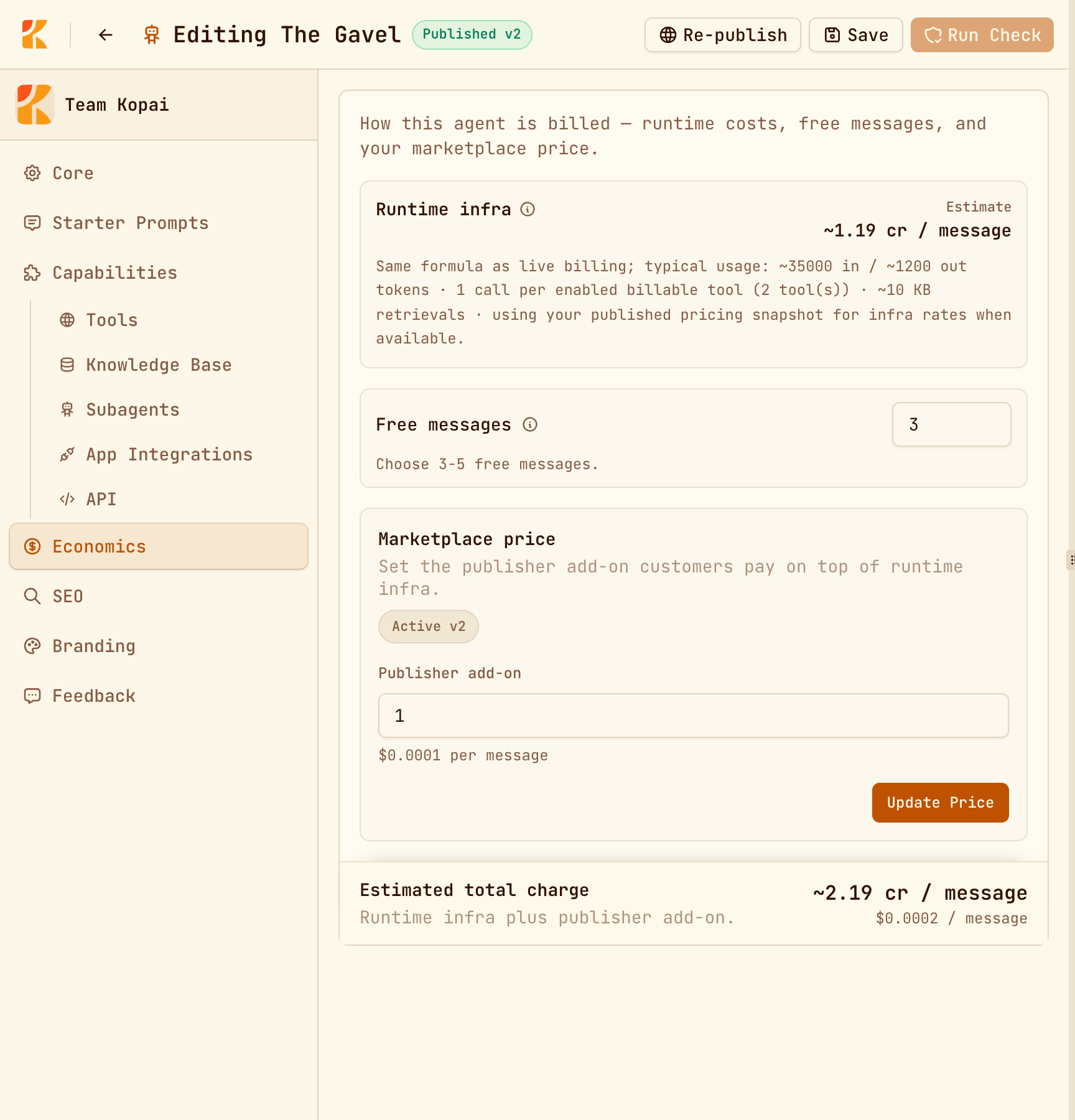
| Runtime infra | An estimate of what a message actually costs to run, based on your model and tools. You don't set this. |
| Free messages | How many messages a new user gets before charges start, between 3 and 5. |
| Publisher add-on | Your cut, per message. Zero is allowed. |
| Estimated total | Infra plus add-on. This is the number on your marketplace card. |
Price deliberately. Users see the total, not your add-on, so a heavy agent on an expensive model starts from a bigger number before you've charged anything. If you want volume, a cheaper model with a tight prompt often beats a bigger model with a small add-on.
Publish
Click Publish in the header. If the agent doesn't have a price yet, you're asked for one first. Confirm, and it goes live as Published v1.
The version number tracks pricing, not configuration. Every price change makes a new version.
After it's live
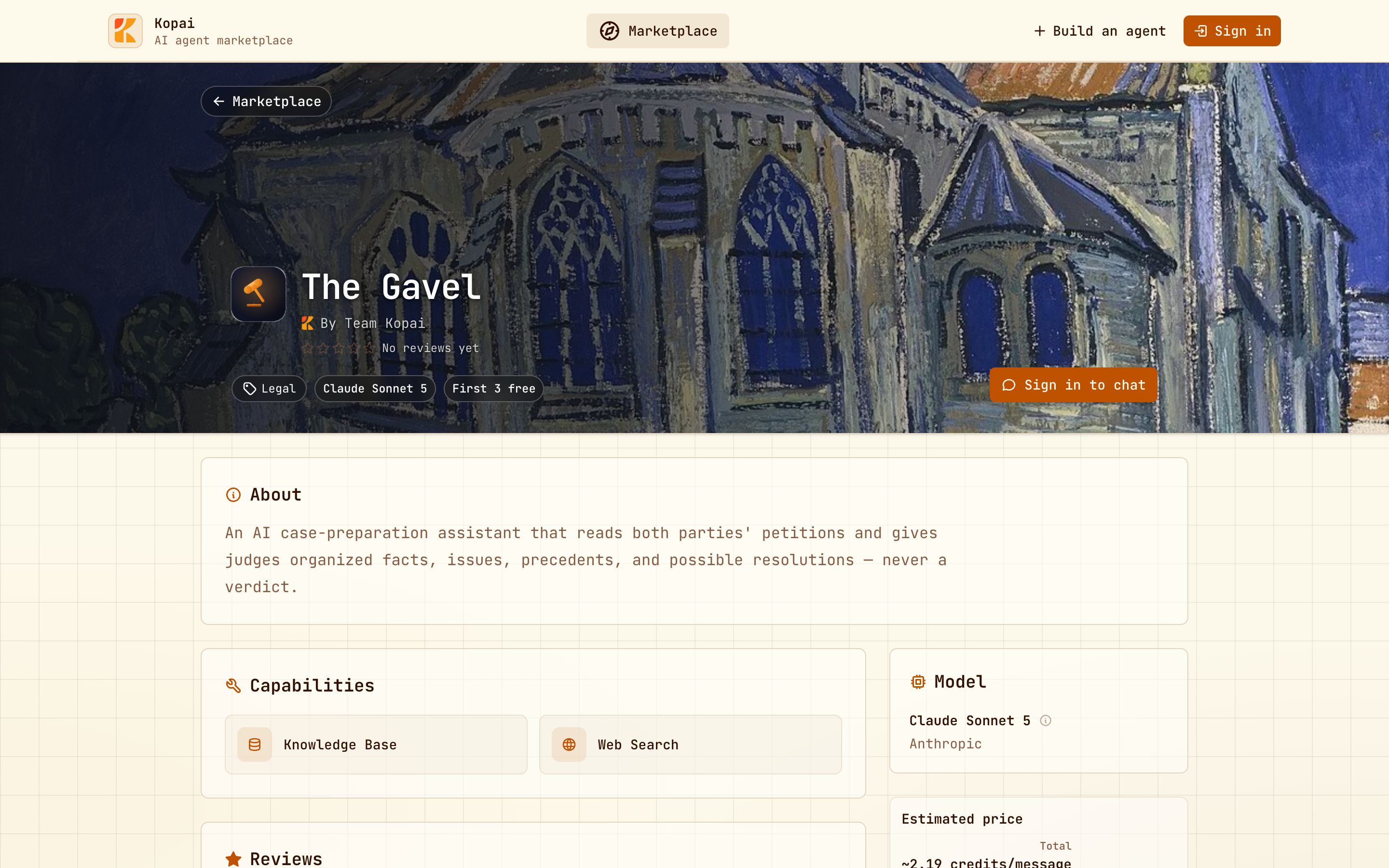
Your agent appears on the marketplace, in search, and on your organization's public profile. It also gets its own public page that search engines can index. The SEO tab controls its address, title, description and keywords there, and Branding controls its avatar and share card.
Earnings go to your organization wallet. You keep 70% of the publisher add-on, Kopai takes 30%, and runtime infra is never split. See Billing & credits.
Editing a published agent takes it down
Saving changes or running a new check unpublishes the agent until it passes again and you republish. Kopai warns you before it happens, so make your edits in one pass rather than trickling them out.