
Create your organization
Set up the workspace that owns your agents, your files, your team and your earnings.
Agents can't exist on their own. Every one belongs to an organization, so you need one before you build anything. It takes about thirty seconds, and you can make more later.
An organization isn't just a folder. It owns four things:
Agents
Everything you build lives here, not on your personal account. Teammates with the right role can edit it too.
The file library
Upload a document once and attach it to as many agents as you like.
The wallet
Where marketplace earnings land, and optionally where agent runs are billed.
The team
Members, their roles, and who is allowed to change what.
Creating one
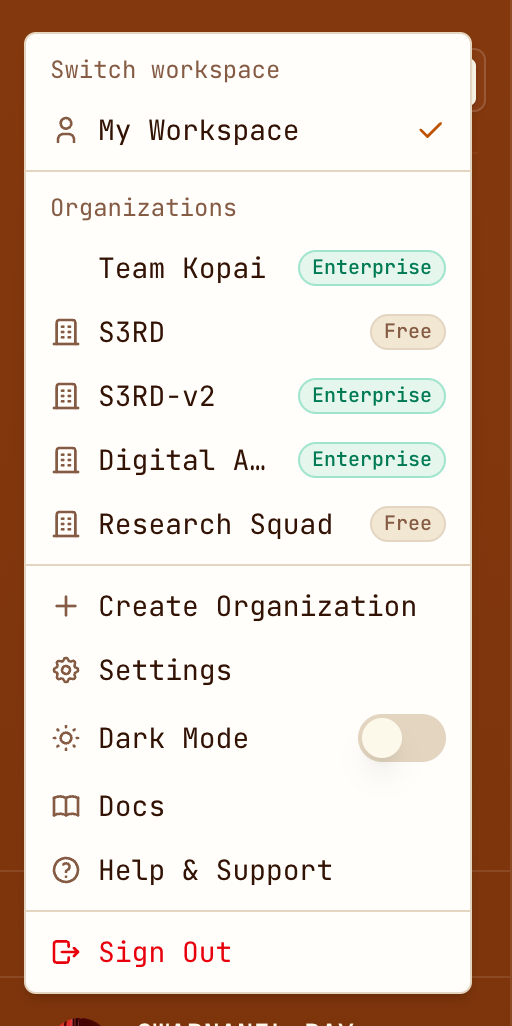
Open the workspace switcher
Click your name at the bottom of the sidebar. Your organizations are listed there, each with its plan.
Name it
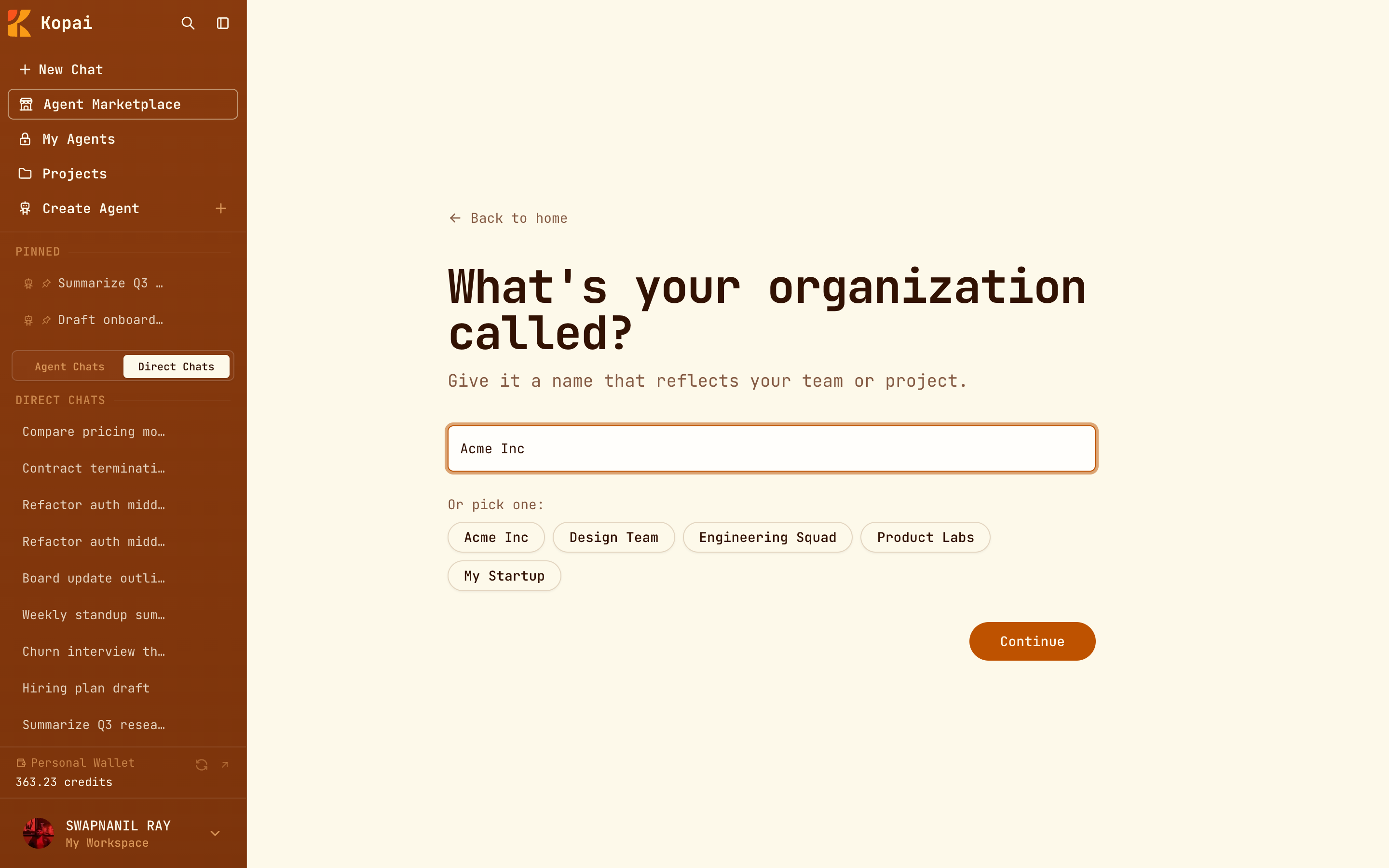
Click Create Organization and give it a name: your team, your company, or your own handle if you're working alone. Two characters is the minimum, and there are suggestions if you just want to get moving.
Confirm the address
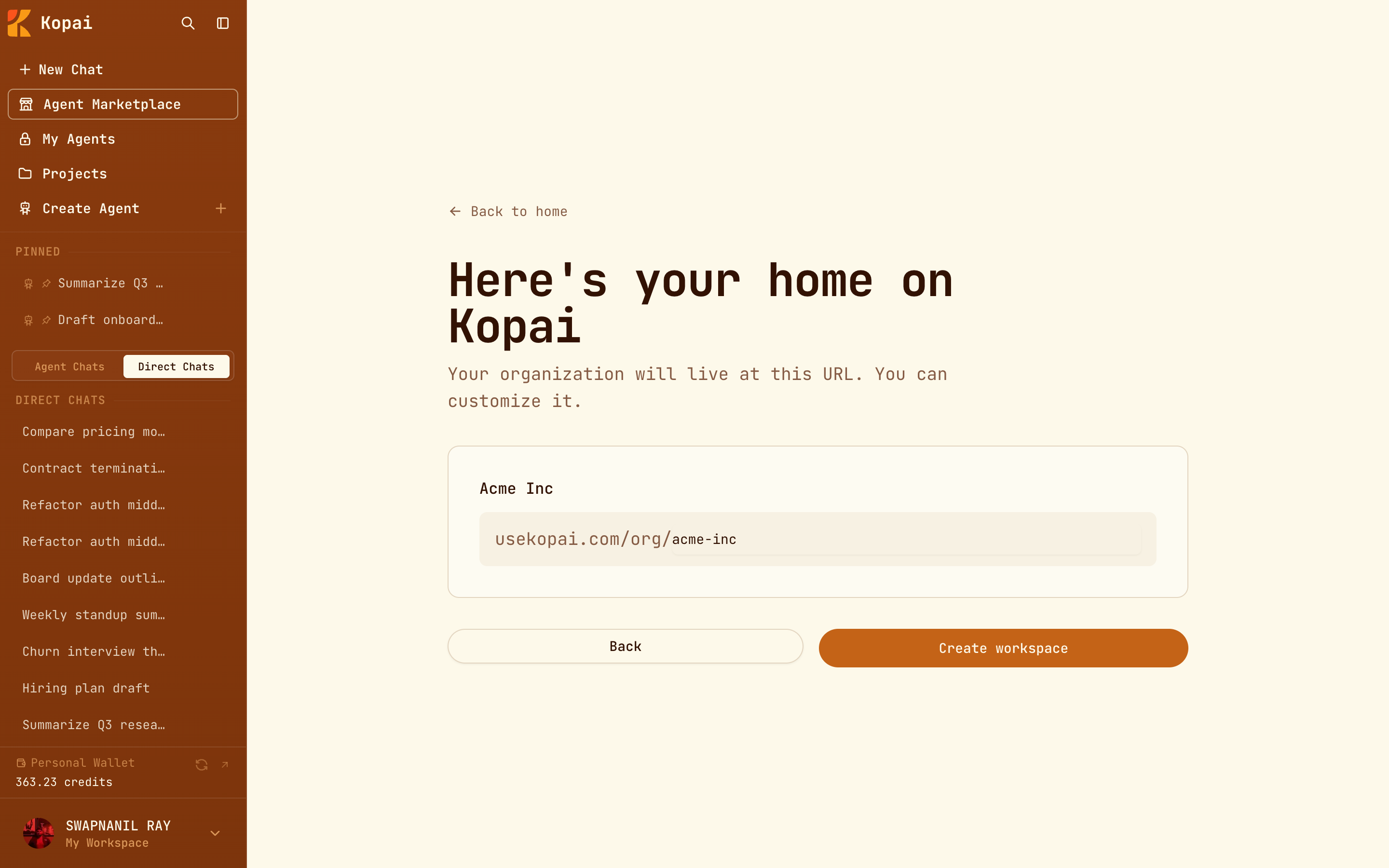
Kopai turns the name into a slug, so Acme Inc becomes acme-inc, and that becomes your address on Kopai. Edit it if you want something shorter. Slugs use lowercase letters, numbers and hyphens, run 3 to 50 characters, and have to be unique.
Land on the dashboard
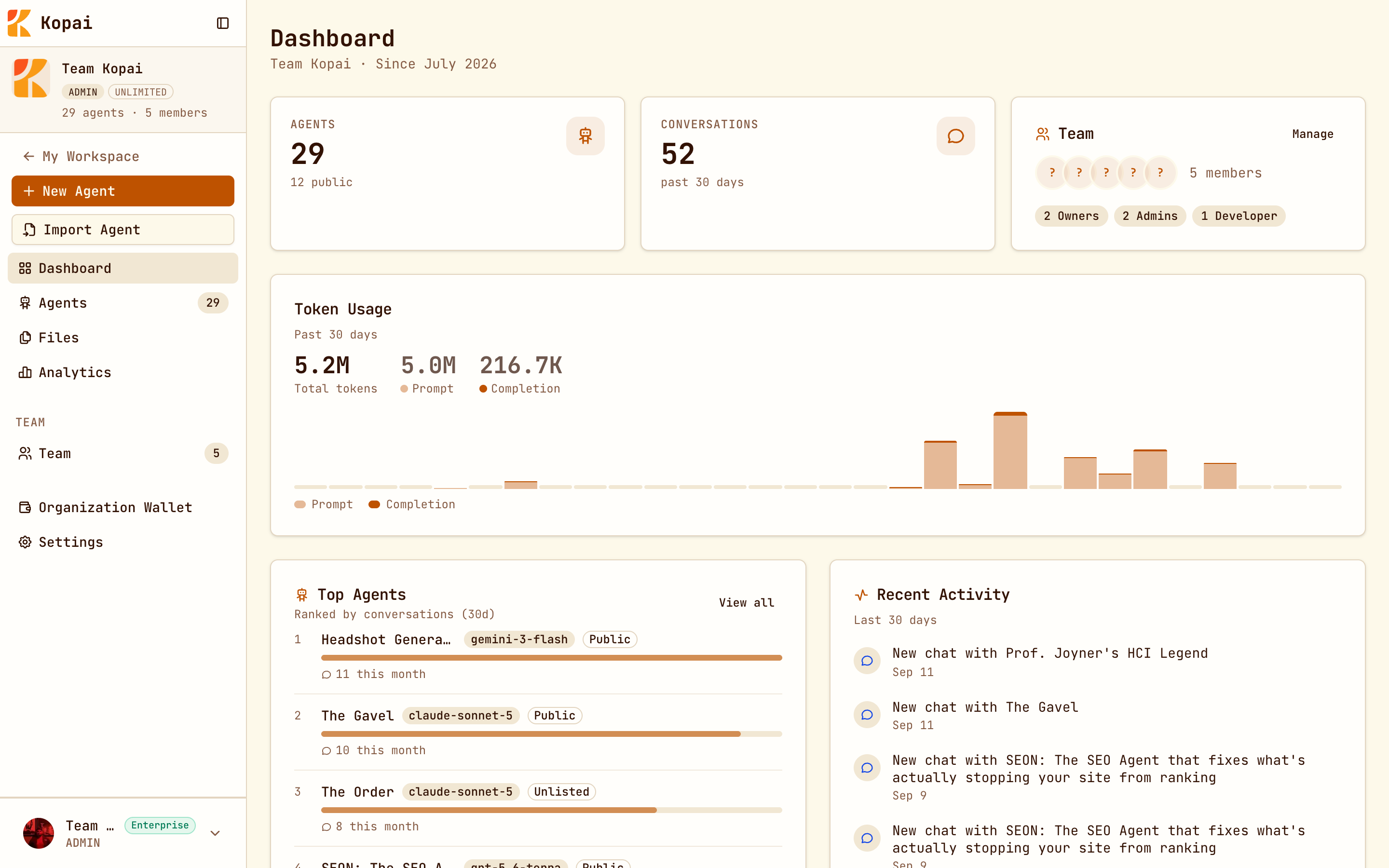
You're dropped into the organization, and the sidebar changes to match: Dashboard, Agents, Files, Analytics, Team, Organization Wallet and Settings.
What the plans include
A new organization starts on the free plan, which is enough to build and publish real agents.
| Free | Business Starter | Enterprise | |
|---|---|---|---|
| Members | 2 | 5, with extra seats | Unlimited |
| Files per agent or project | 10 | Unlimited | Unlimited |
| Total storage | 20 MB | 150 MB | Unlimited |
| Subagents per agent | 2 | 5 | Unlimited |
| Connected apps per agent | 3 | 6 | Unlimited |
| Test Bench, image models, API keys, analytics | No | Yes | Yes |
Business Starter is $20 a month and adds 150 credits to the organization wallet each month. Billing & credits explains how plans, wallets and earnings fit together.
Switching between workspaces
Click your name in the sidebar to move between your personal workspace and any organization you belong to. They're completely separate: different agents, different files, a different wallet. ⌘P jumps back to personal from anywhere.