
Sharing an agent
Send anyone a public link to your agent's marketplace page.
Sharing an agent gives others a public link to the agent's page on the Kopai marketplace, where they can view it and start chatting with it.
Only public agents can be shared
An agent can only be shared once it's public, meaning it has been published to the marketplace. Private or unpublished agents don't show share options. See Publish an agent to make your agent public first.
Where to find Share
You can open the share dialog from four places:
- Agents list: public agent cards have a share button.
- Agent builder: the Share action in the builder header while editing an agent.
- Marketplace agent dialog: the share option when viewing an agent's details.
- Organization agent quality page.
The Share dialog
Any of these opens the Share agent dialog with the agent's public link, in this form:
https://<app-domain>/marketplace/agents/<agent-id>The dialog has three actions:
- Copy link copies the URL, shows a Link copied to clipboard toast, and the button briefly changes to Copied!.
- Share on X opens a pre-filled post ("Check out <agent name> on Kopai — <description>") in a new tab.
- Share on LinkedIn opens LinkedIn's share flow in a new tab.
What recipients see
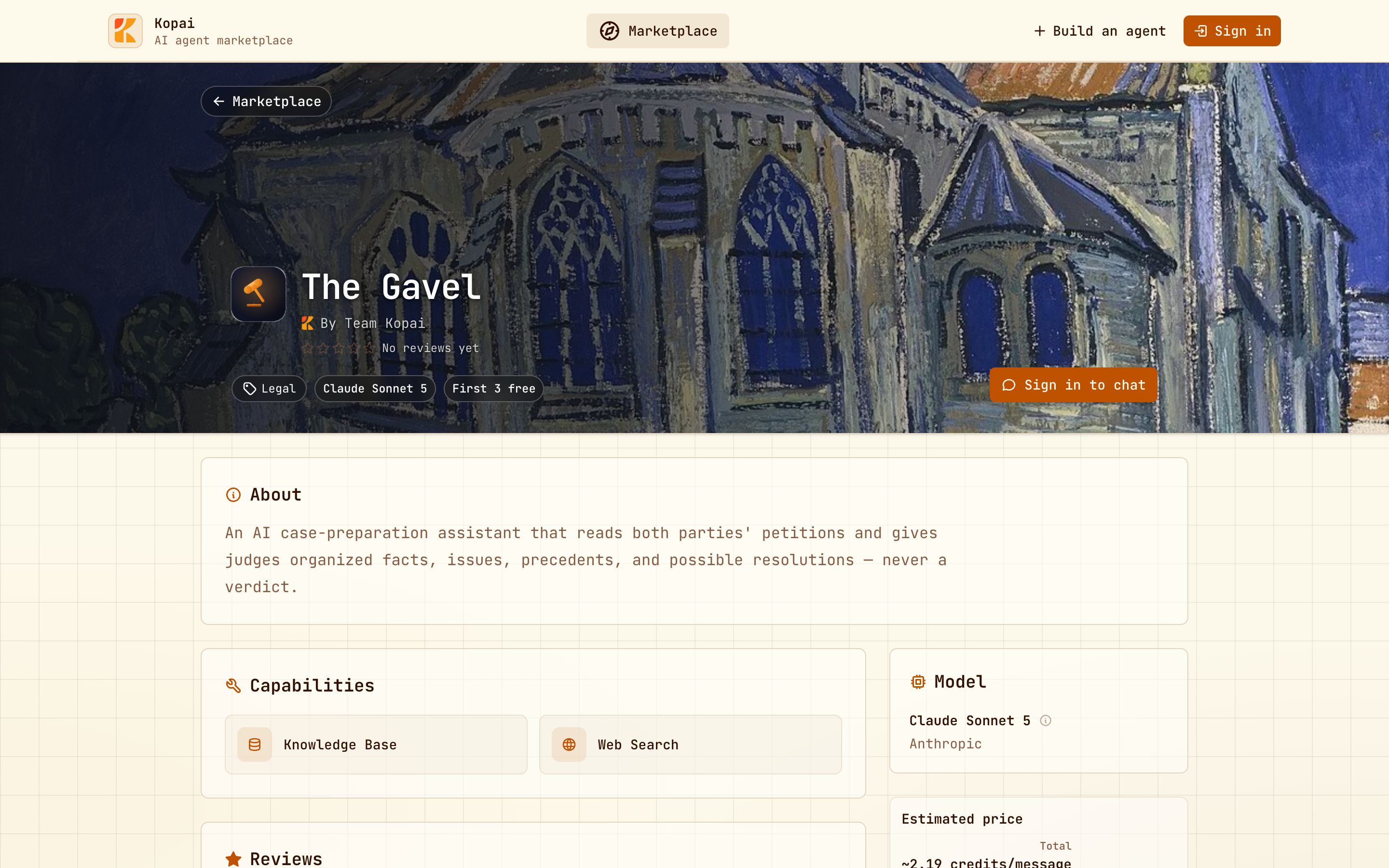
Anyone who opens the link lands on the agent's public marketplace page: its name, description, and the option to start a chat. Chatting needs a sign-in.
Share links vs. organization access
A share link is different from organization access. Members of your organization can already see the org's agents without a link; the share link is for anyone outside the org, through the public marketplace.